YouArt Brings Client Feedback to the Video Edit. Can It Make the Right Change?
YouArt's desktop app ties feedback to specific shots and can help edit in familiar video tools. A test with one demo clip shows what to check before handing over a real project.
The client likes your 45-second product demo and wants “the price card to stay up a little longer.” A colleague left that note in Slack. A second note arrived by email asking for an eligibility line beside the price. Your project has two shots that show the price, and one is in a previous cut. The edit may take a minute once you find the right source. Finding it, reconciling the notes, and confirming the result are what make the job take longer.
On November 13, 2026, YouArt announced its desktop app. The company's November 14 release log lists the launch, and its public download page offers Mac and Windows versions. YouArt makes tools for generative video and creative workflows. It says the desktop release can collect feedback from services such as Slack and Gmail, attach it to a shot or creative element in its canvas, and apply targeted changes with permission. YouArt names After Effects, Premiere Pro, DaVinci Resolve, CapCut, and Blender as supported applications in the launch announcement. The exact operations available in a particular editing workflow should be part of a test. YouArt's November 13 launch announcement · Official release log · Official desktop download page
The practical question is how much of the work between a message and an approved edit can move into one place. A useful trial starts with a few real types of changes and an editing project you have permission to use. It tests whether the changes are correctly located, applied, and retained through handoff.
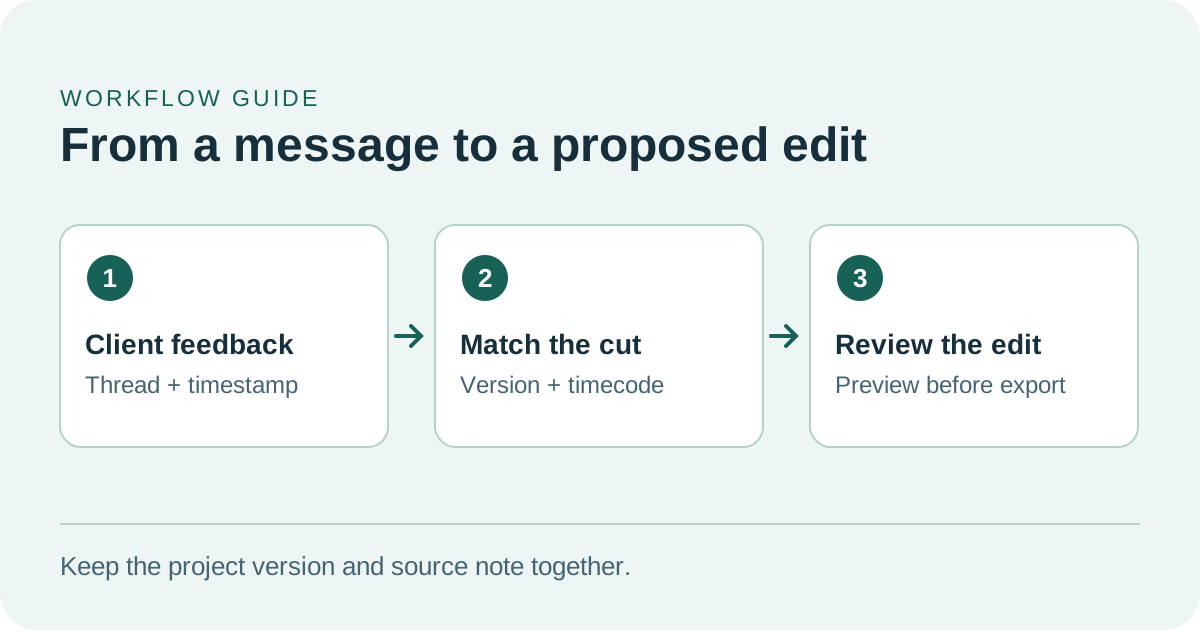
A timecode only makes sense when it identifies the right cut.
Why the source of the comment matters
For most editors, Slack and email are useful records of a decision, but their messages point back to versions in inconsistent ways. “The price shot” could refer to an early export, the current preview, a line in a brief, or a separate graphic. A proposed edit needs an identifiable version, an approximate timecode, a description of the change, and the intended result. If two messages disagree, the editor also needs to know which stakeholder can resolve it.
YouArt's announcement says its canvas can attach feedback to the relevant part of a project and keep assets and version history together. In the demo scenario, that could help replace a separate list of notes and a manual search in the editing timeline. Version history helps only when someone can still see why an edit was made, which source request it responds to, and which output was accepted. The announcement does not specify how well attachments survive every kind of project relink or version change. Test that on your own file type. YouArt's November 13 launch announcement
For a first pass, make a duplicate of a short approved project and use fictional versions of the Slack and email messages. Give each feedback item a source, a date, and its referenced version. Ask for a proposed edit and review the link from each note to the relevant shot. That preserves the same context problem without asking anyone to connect a live client inbox or release footage.
Try a small edit with a clear acceptance check
In the hypothetical demo, one price card appears between seconds 29 and 32 in the current cut. The opening thumbnail also shows the price, and another end card exists in an earlier cut. The approved notes for this trial ask for the current price card to hold for one extra second and to display a supplied eligibility line. The finished video must remain 45 seconds long, and the product walkthrough and closing narration should stay intact.
There are several ways to meet those requirements. A human editor may reduce an adjacent silent hold, move a transition, or find that the script leaves no room for the new text without a timing tradeoff. If the note points to the wrong export or the change would cover spoken information, that is a question to resolve with the requester. YouArt's ability to propose a targeted change is useful here when the editor can see what has to move and can make the choice before applying it. YouArt's November 13 launch announcement
| Check before accepting the edit | What to compare |
|---|---|
| Shot and version | Match the selected price shot to the version named in the feedback |
| Words and placement | Compare the rendered eligibility line against the approved copy and check for overlap |
| Timing and narration | Verify the extra second, the closing narration, and the 45-second target |
| Project handoff | Reopen the saved project in the usual editor and confirm that the changed elements can be adjusted |
| Approval record | Save the exported cut with the two original notes and the reviewer's decision |
Run the pilot in four steps.
- Duplicate the approved project and record the target cut, timecode, approved text, and the 45-second limit.
- Inspect the proposed change before applying it in the copy. Compare the changes around the selected clip and look for a second visible location that still shows the old text.
- Export the copy and watch it from first frame to last at the size the audience will see. Confirm the small eligibility line is legible, check the narration, and check caption timing if the delivery includes captions.
- Reopen the project in the editor and confirm the change can still be adjusted. Save the approved export and the decision beside the original notes.
Record how long each step took. The pattern will show whether the tool removed a repetitive step or shifted work into quality review.
Test whether a generated title stays editable
YouArt's press materials show a different use case. The vendor demonstrates a motion title made on the canvas and exported to After Effects for further editing. That matters to a team that makes several versions of a video for different products or markets. The opening title might use the same animation and type style all year while the product name, tagline, and text width change. An editable handoff can reduce the work in each version. YouArt launch announcement and product imagery
For this trial, choose an original title treatment and a known font that is already available to your team. Open the result in your own copy of After Effects. Can an editor change the words, adjust when they appear, and render the new version without opening YouArt again? If the title has to be composited over footage, compare both an ordinary export and the format your production pipeline actually uses. Check which layers remain editable and which dependencies have to travel with the project.
Try a longer title as well as a short one. A fit issue that never appears in the original can show up with another language or a product name that is twice as long. Note who can change the layout and whether they must recreate it in the editor. This is where the difference between a satisfying first render and a practical template becomes visible.
The press image shows one After Effects example from the vendor. It provides a starting point for this test. Your fonts, aspect ratios, plug-ins, and export settings determine how much of that benefit applies to your project. YouArt launch announcement and product imagery
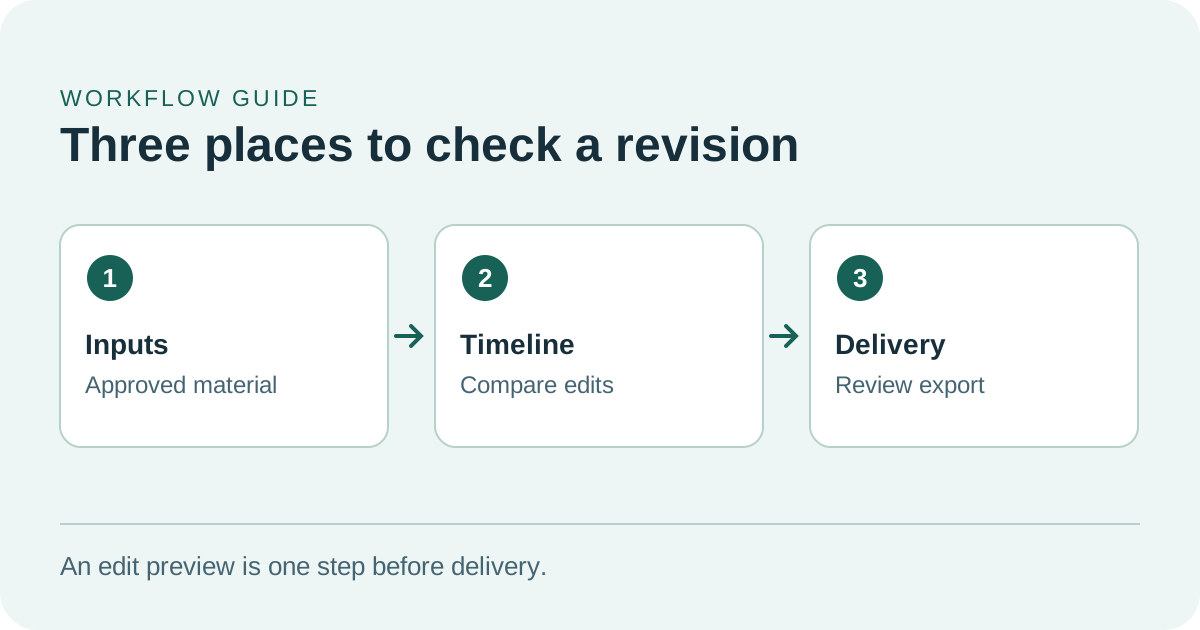
Use a copy of the timeline and review the exported result as well as the edit.
Check permissions and where project material is processed
The launch describes a desktop agent that can assist in creative applications with the user's permission. Begin with a duplicate project and a single editing app, and use manually supplied, approved notes if the project does not need inbox access. Test what happens when a proposed edit should be rejected, and verify that you can get back to the copy you started with through your editor or backup. An established review process remains useful even if applying the edit is faster. YouArt's November 13 launch announcement
YouArt says its Slack and Gmail workspace connections are read-only. When requested, it can read the Slack messages or threads in scope, or Gmail results matching the requested search. Relevant text may be sent to the AI providers processing the request and can become part of the conversation. The policy separately describes local folder access. Access covers the folders you choose and their subfolders, and names, paths, and requested text can be sent to YouArt and its AI providers. Removing that permission stops future reads and cancels pending file operations. Previously sent content and uploaded assets follow the applicable retention and deletion rules. YouArt privacy policy
A production owner should check which files and feedback a workflow uses, who authorized that use, and whether outside processing is acceptable for those materials. For footage under embargo or subject to a client agreement, a sample project can answer a workflow question while the team confirms the approval requirements for live material.
A workable handoff also has a return path. Save a copy before testing and note which version is the approved one. If an editor who did not run the test opens the project the next morning, they should be able to identify the change, view the linked request, and export the intended version. Testing that handoff tells you as much about working with the tool as the time it takes to produce the first edit.
Compare cost per approved result
YouArt says the desktop release offers a way to use your own provider keys and compare options for certain models. The launch announcement gives example per-second rates for Seedance 2.5 at 720p, including $0.208 for pay-as-you-go and $0.138 under Max yearly. Treat those figures as the vendor's examples at announcement. Plan cost, model settings, and subsequent pricing changes can change the comparison. Check the rate shown for the job you are considering. YouArt's November 13 launch announcement · YouArt pricing
At the announcement's $0.208 rate, generating three six-second alternatives comes to about $3.74. If the editor keeps one, the three attempts belong to the cost of that one accepted clip. Track the minutes spent preparing the task, checking alternatives, and reworking the output alongside generation spend and any subscription allocation. Adjustments to an existing text layer or clip duration can often be made without generating a new shot. Include those ordinary edits in your baseline.
For a practical comparison, take three approved changes and apply them to separate copies of the same cut. Use your usual process on one copy and the new workflow on the other. Compare how long it takes to locate feedback, choose the right target, make the change, and obtain approval. Any repair done after export counts in the total. If the trial used no generation, record zero generation spend and focus on labor and handoff time.
What a good first result looks like
Start with an editor who can judge the finish and a reviewer who can confirm the request. A convincing result would place the two pieces of feedback at the correct price shot, carry the approved line into the new cut, and leave an editable file that the next editor can open. A workable result might still need a manual adjustment if the original comments conflict. If the tool surfaces the conflict at the right point, it saves the editor from fixing it late in the process.
YouArt's November release shows the company bringing feedback and editing into the same workflow. The stronger evidence for a team will be its own approval record across several edits, including the ones that needed a rollback or a correction. The product announcement establishes availability and vendor claims. The demo scenario and title trial here are proposed tests of how those capabilities apply in day-to-day editing.
Sources
- YouArt's desktop app launch and media, November 13, 2026
- YouArt release log and desktop download · Download YouArt
- YouArt pricing and credit information
- YouArt privacy policy
Keep review notes, timecodes, and your final edit decision together so the next version has a clear starting point. Start your first note with Telli.sh.