Note mode
Keep the session in its original language. Get a clean transcript, separated speakers, and a structured summary you can review and share — no translation required.
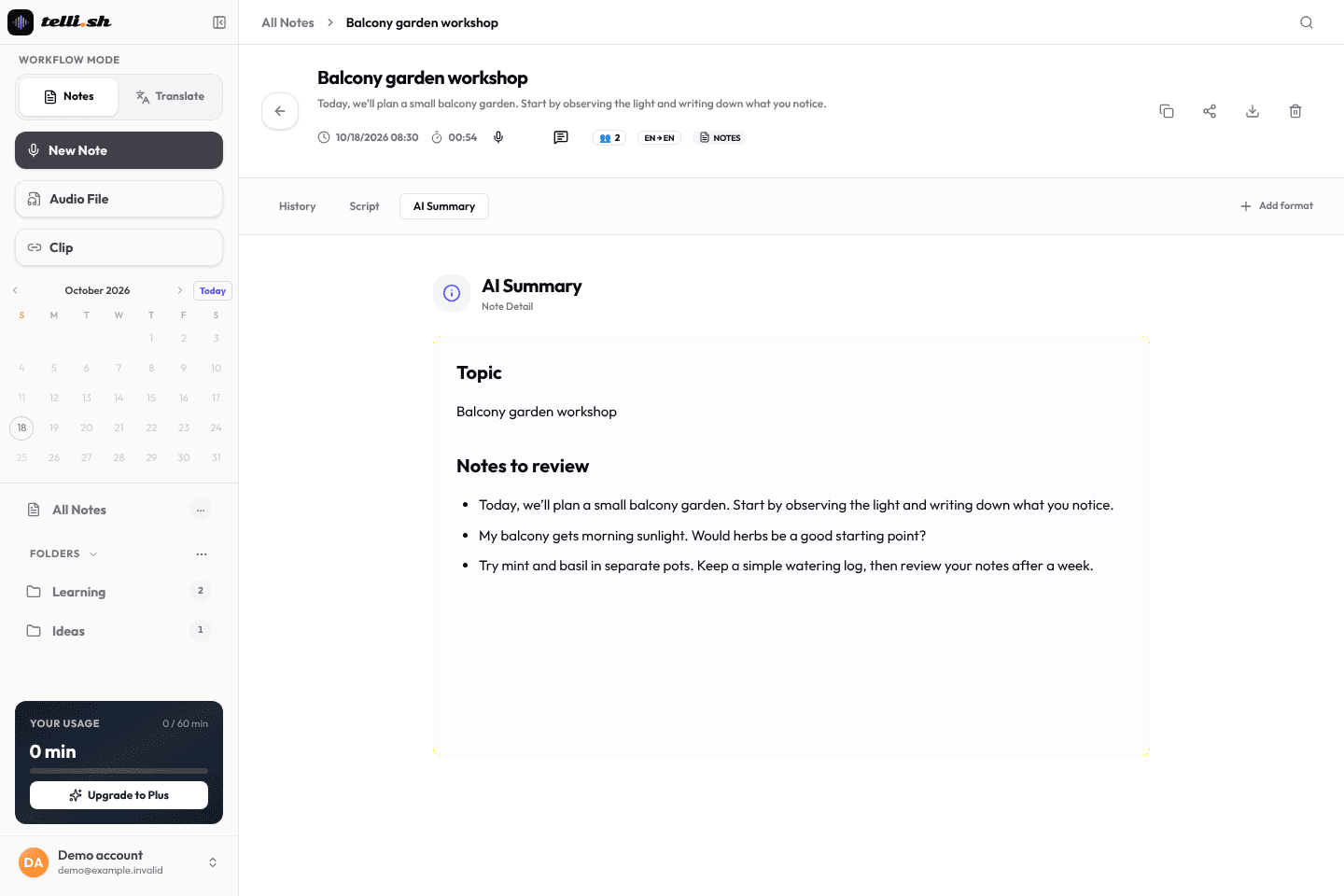
Upload audio or record live. Get transcript, speakers, translation, summary, and action items with 60 free Pro minutes.
60 minutes of Pro features free — no credit card required
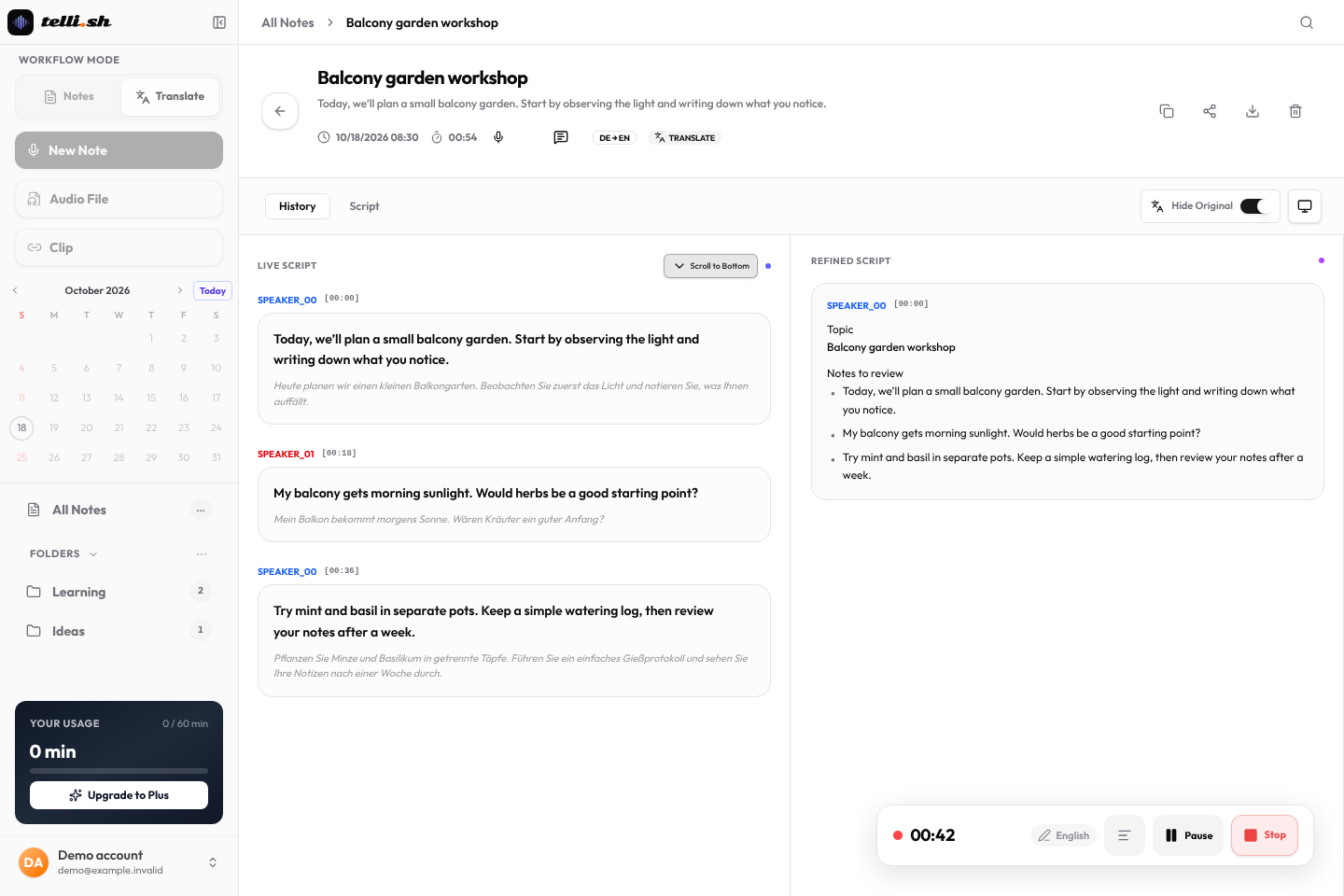
Sentences appear by speaker while you talk. Speakers are grouped by voice; you rename them afterwards.
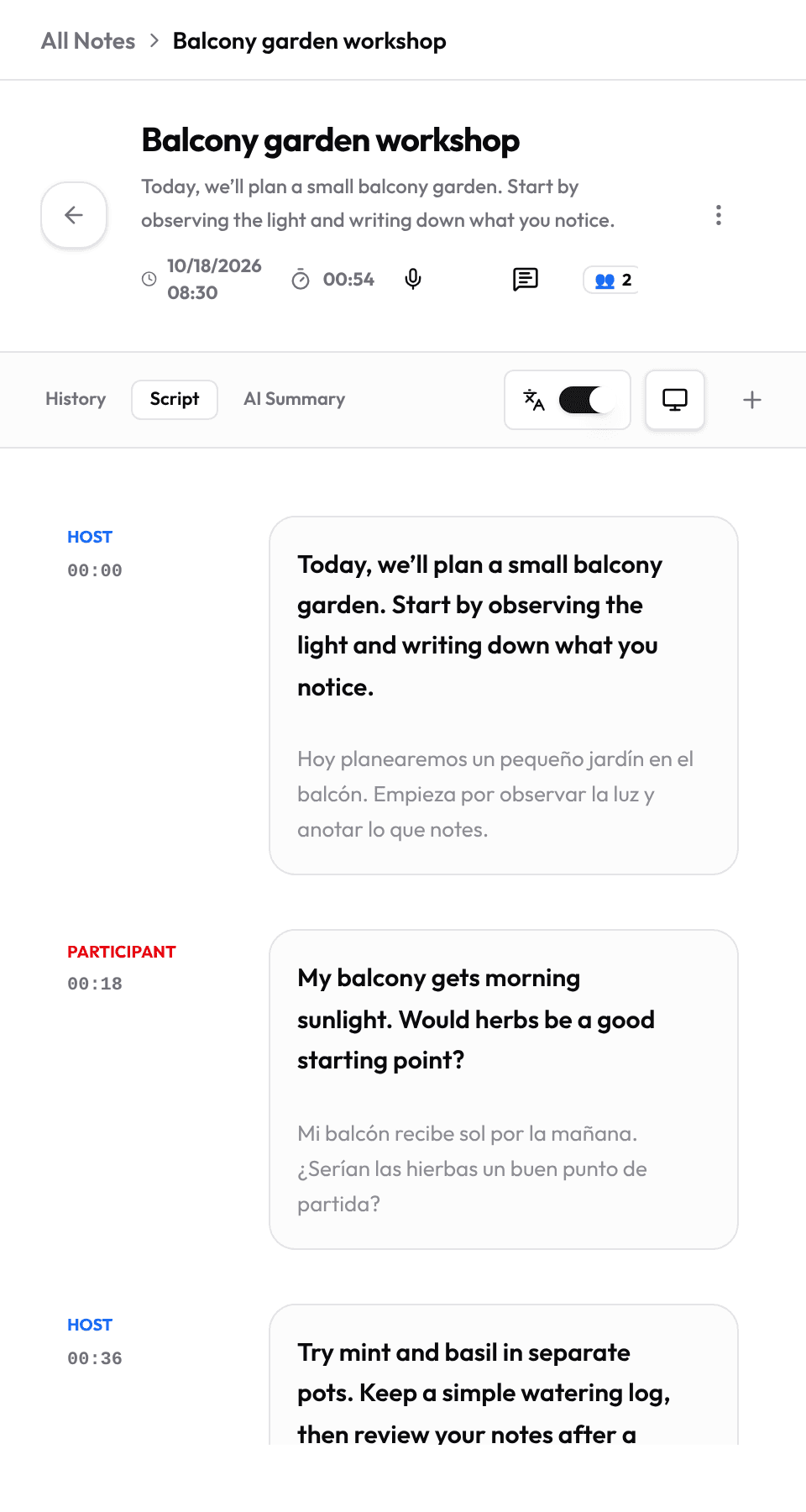
Pick the spoken and target languages and add names or terms as context. Cross-language meetings, classes and calls become translated notes.
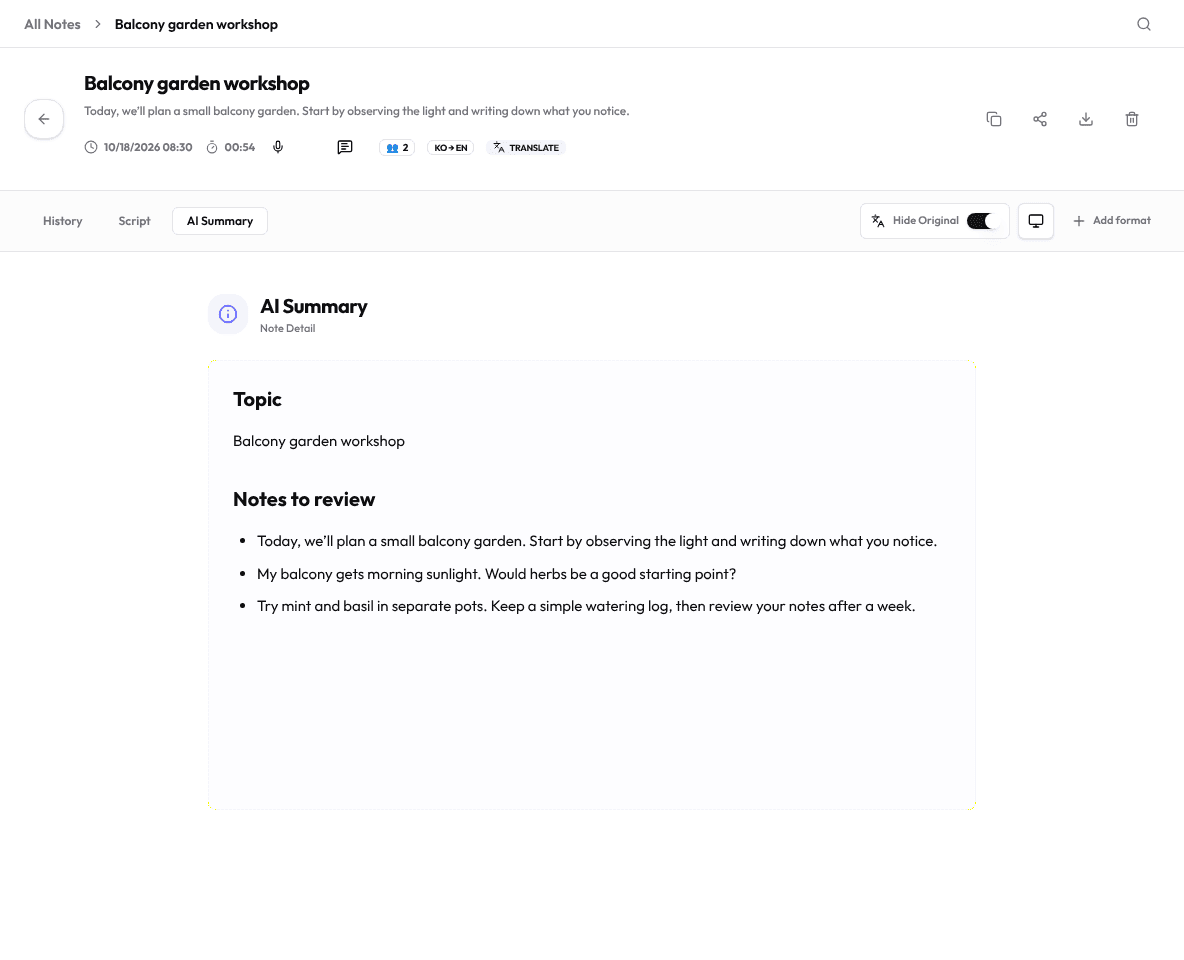
Choose meeting minutes, lecture notes and more. A summary is a draft to check against the transcript and audio.
Clip
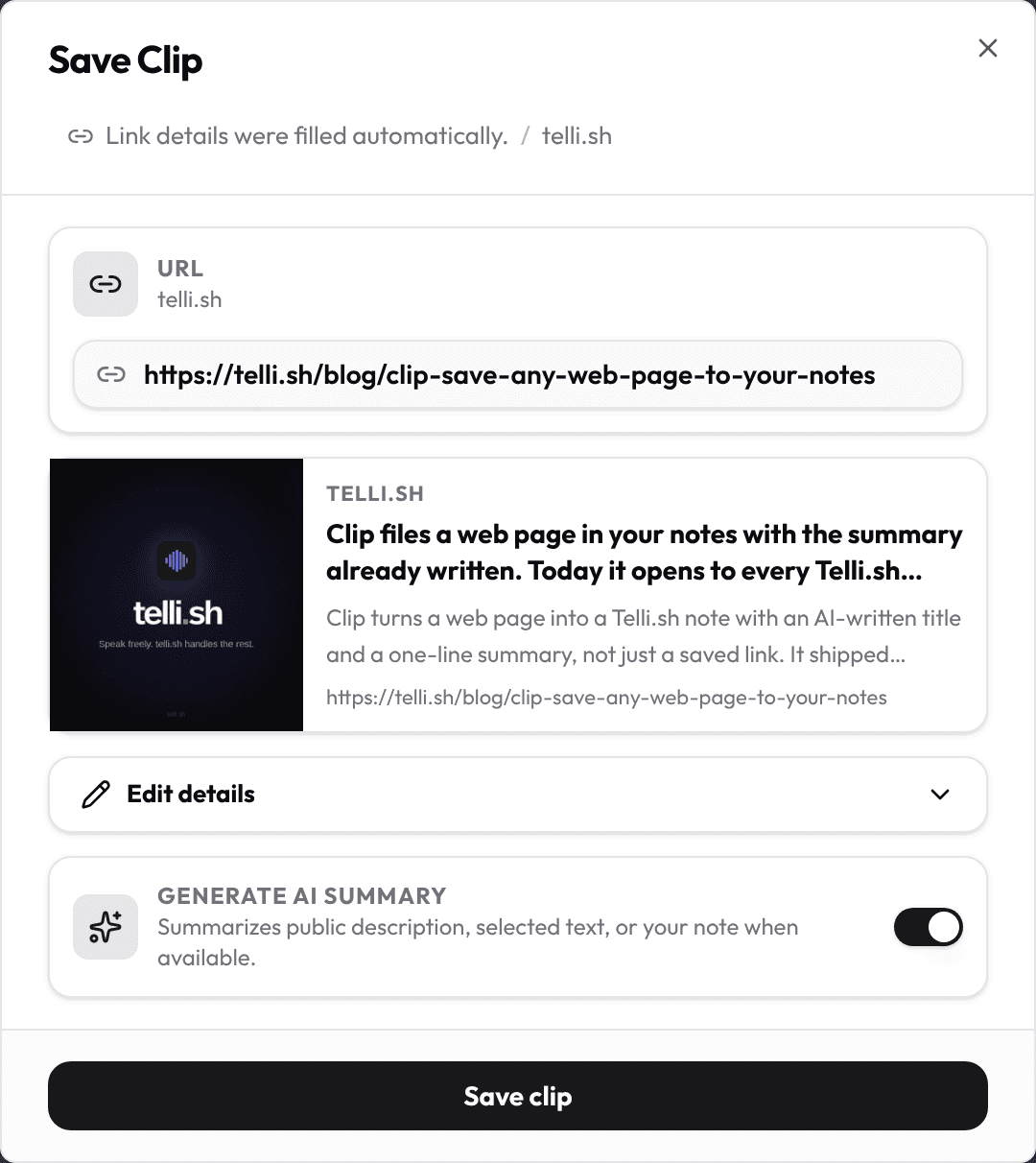
Paste a URL and Clip fills a link card from the page’s public details, adds an optional one-line AI summary and files it with your other notes. Add selected text or a memo and the summary uses that.
For personal recordings and lectures you need to revisit: review the original transcript, translation and notes together, then check the audio before reusing a quote or a summary.
Step 1
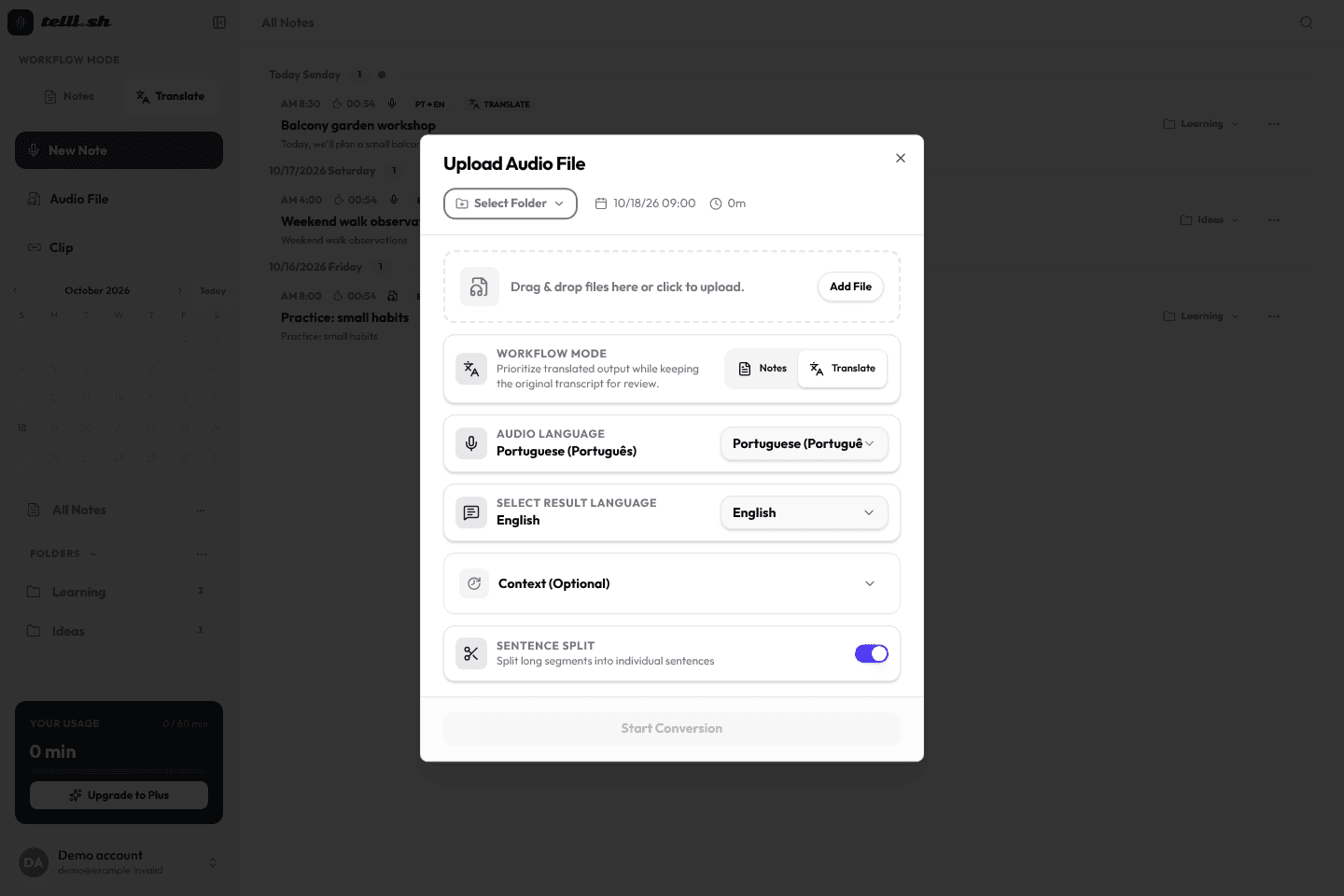
Upload an audio file, or choose live recording. Obtain permission from the people being recorded.
Step 2
Allow microphone access for live recording. Available audio sources depend on your browser and device; test a short recording first.

Step 3
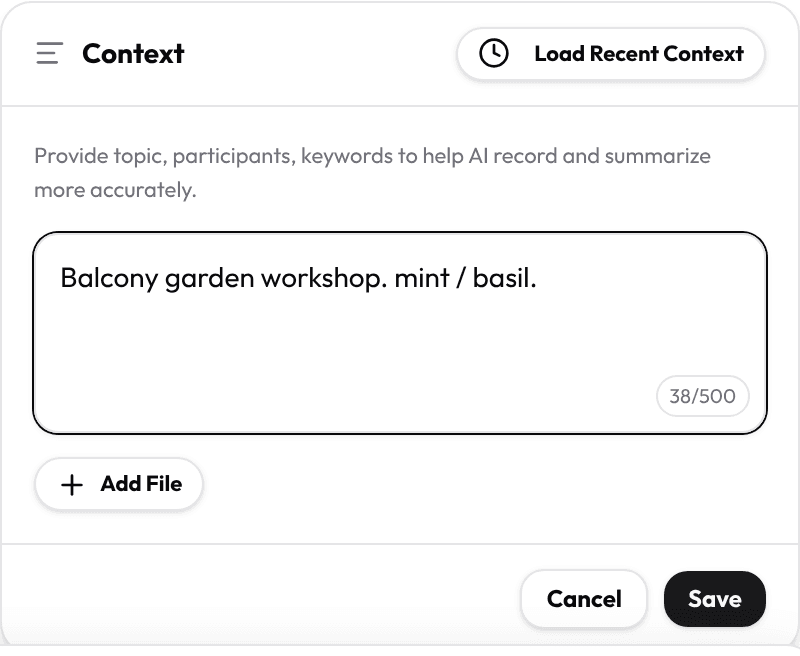
Choose the source and target languages and add names or terms. Context can help, but does not guarantee a correct translation.
Step 4
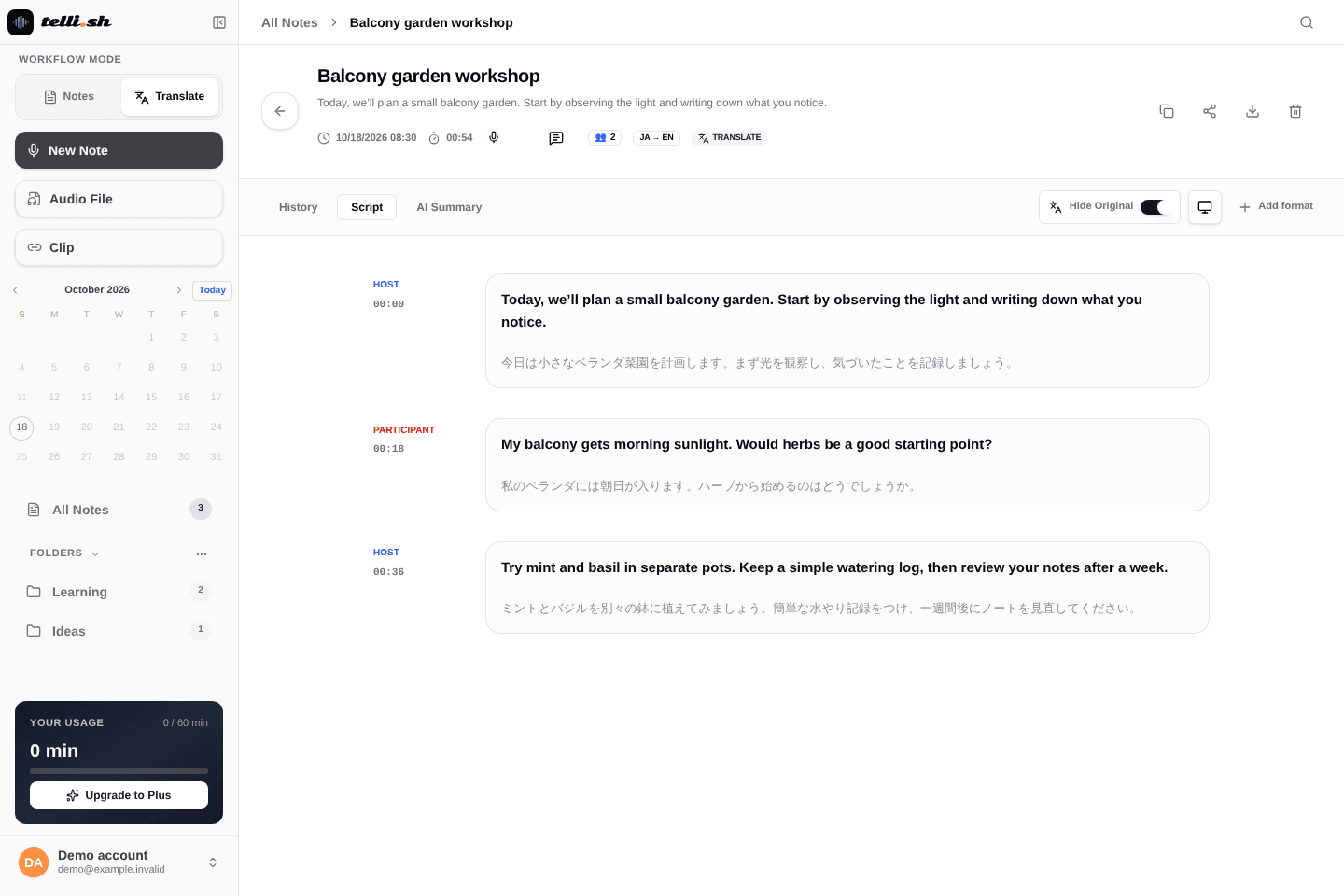
Stop the recording or wait for the upload to finish. Check the transcript and translated lines against the audio; processing can fail.
Step 5
Rename speakers, correct text where the editor supports it and choose a summary format. Verify names, decisions and action items yourself.
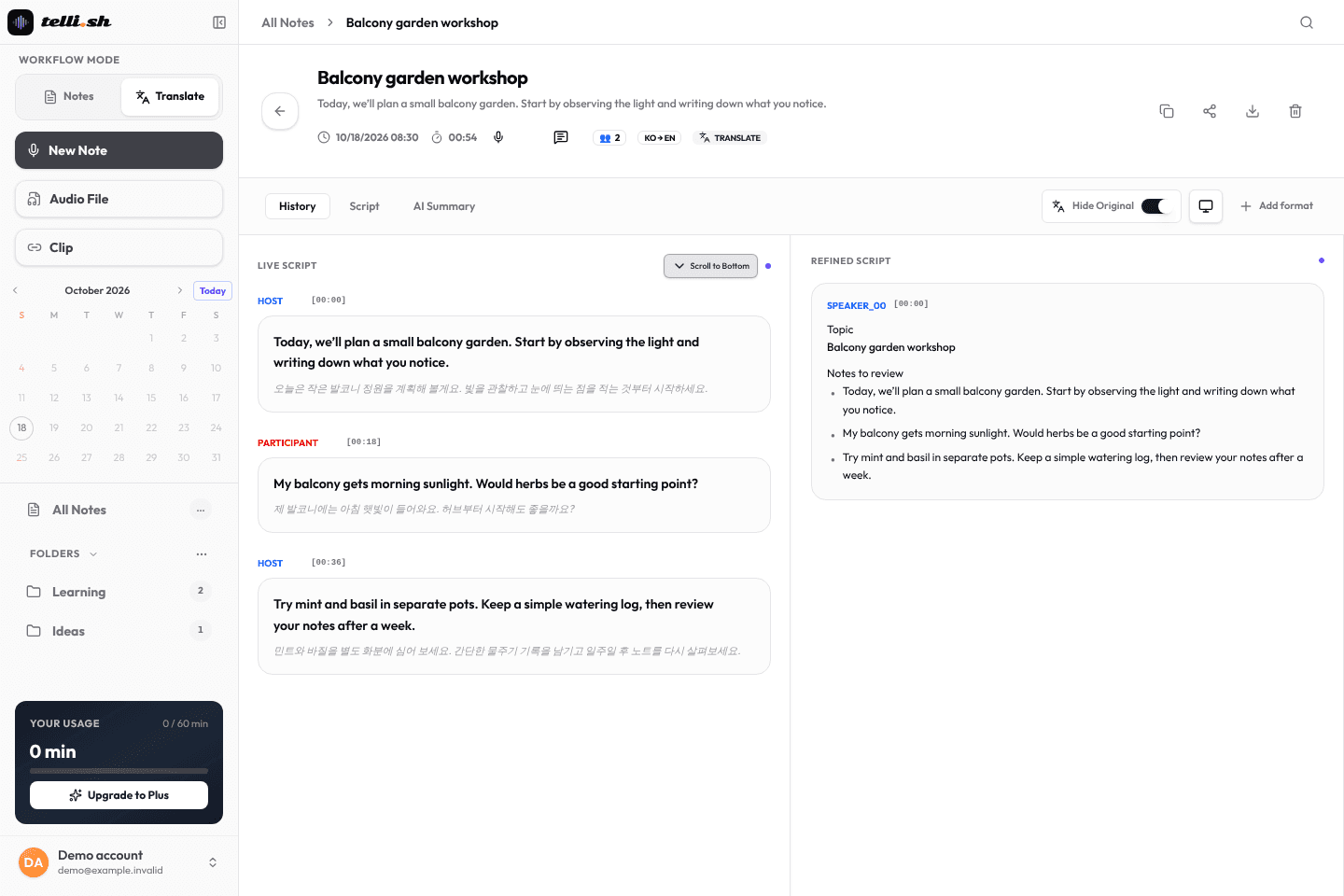
Step 6
Give the note a useful title and folder. Reopen it to compare notes with the source; share only material you are allowed to share.
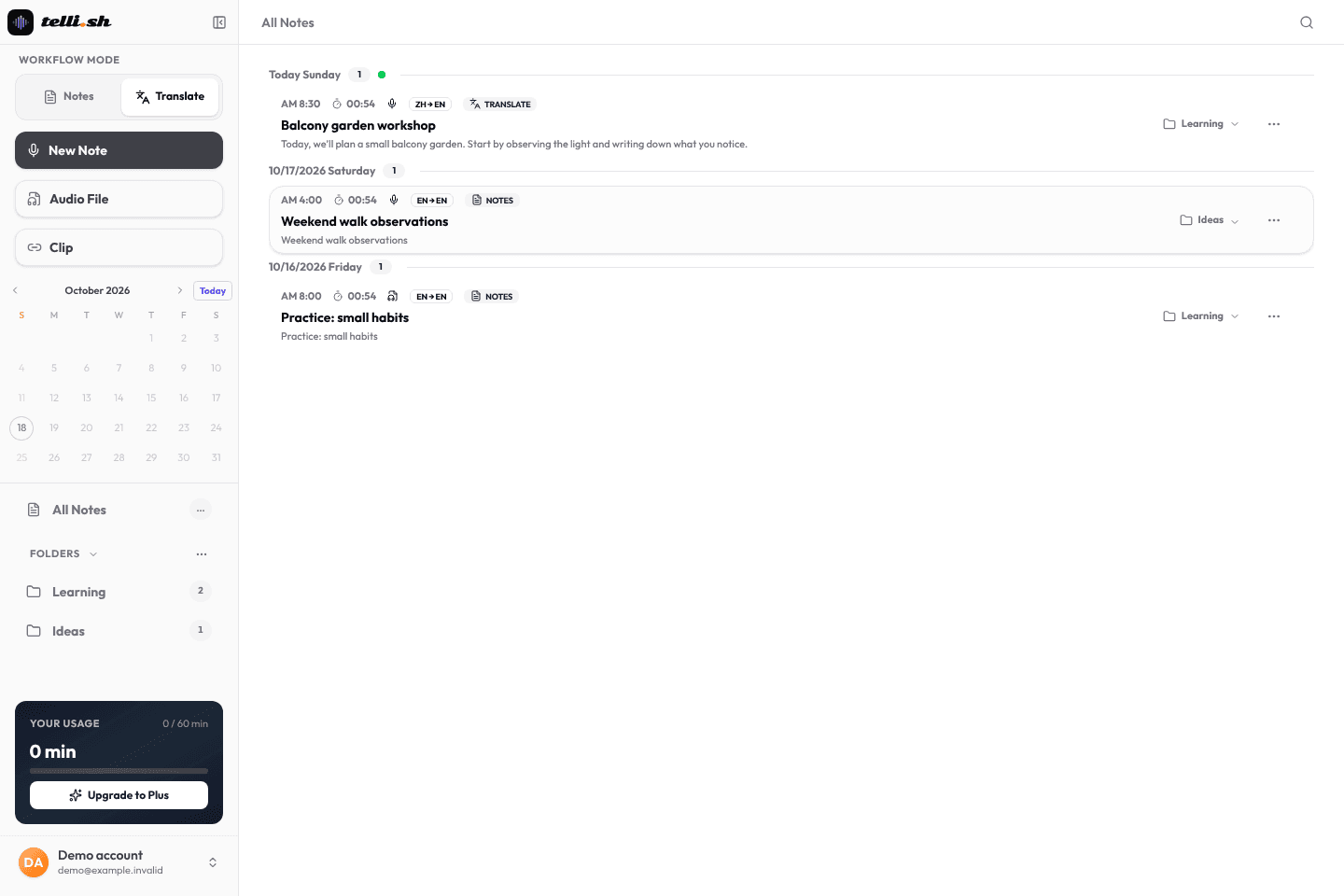
Telli.sh turns meetings, lectures, interviews, and presentations into reviewable AI notes. Choose the mode that fits the conversation.
Keep the session in its original language. Get a clean transcript, separated speakers, and a structured summary you can review and share — no translation required.
Working across languages? Capture multilingual conversations as translated notes so everyone stays on the same page.
Choose the workflow that matches today's conversation.
I have a recording Upload MP3, M4A, WAV, or WebM after signup and turn it into a reviewable note.
Start with upload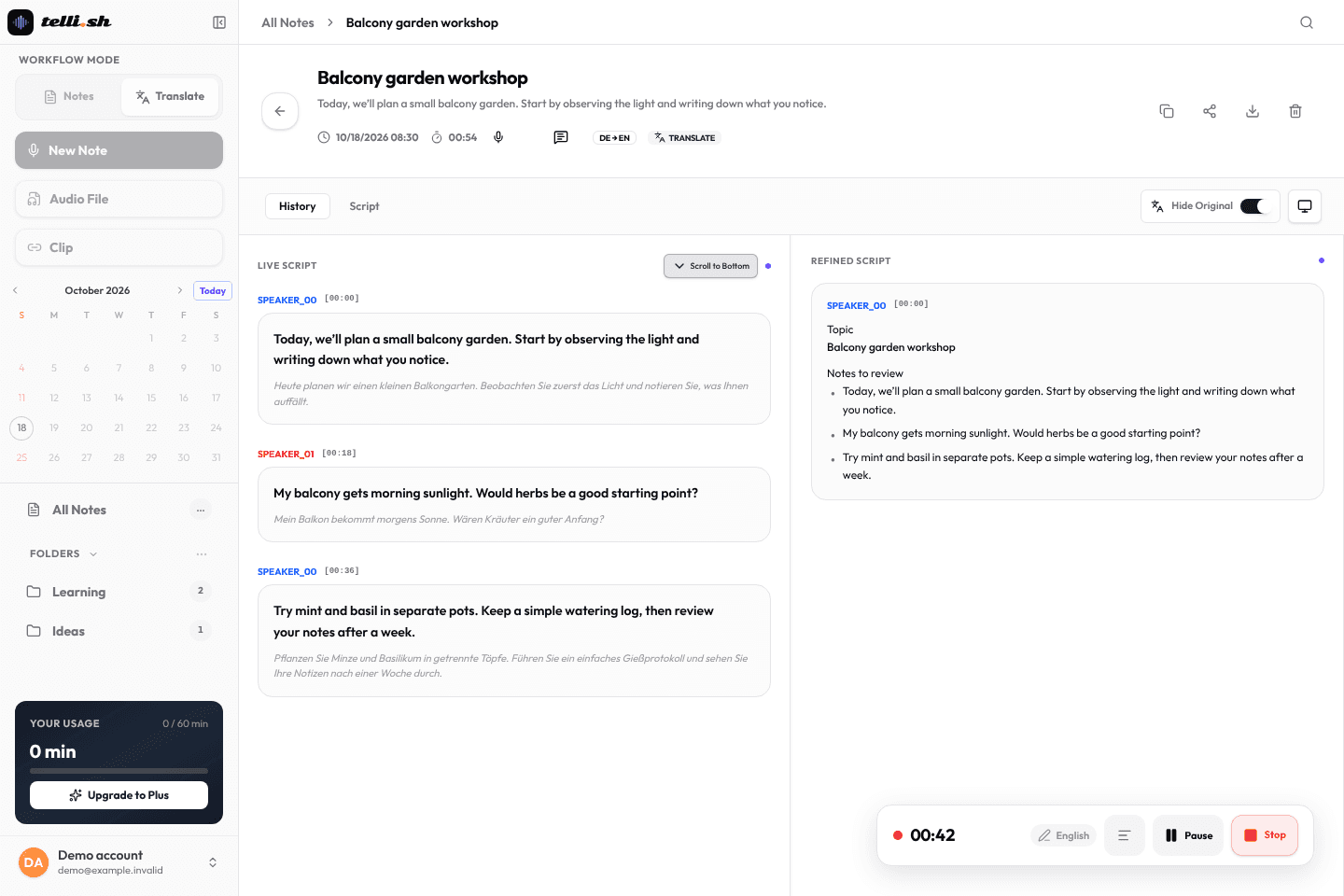
I am joining a meeting Record live audio, then create a note with transcript, speakers, and summary when it ends.
Start live recordingI need live translation Start in translation mode for cross-language meetings, classes, or calls and keep the translated note ready for review.
Start translation modeA compact preview of the output visitors get after uploading or recording one real conversation.
Speaker 1: We need the launch notes by Friday. Speaker 2: I can draft the customer-facing summary and keep open questions visible.
The team will prepare launch notes, keep unresolved questions visible, and review claims against the transcript.
Capture action items, track decisions, and share a clean summary with your team after review.
Upload a lecture you are allowed to record. Review its transcript and summary, then replay unfamiliar terms before writing your revision notes.
Record candidate interviews and get a structured breakdown by speaker. Review exact quotes, not fuzzy memories.
Turn long-form audio into show notes, timestamps, and transcripts automatically. Publish faster.
Telli.sh is designed around a simple rule: generated notes should stay connected to the transcript and sharing controls that produced them. Review security and data handling
Raw transcripts stay available beside refined summaries, so teams can verify important decisions before they share a note.
Share links support password protection, and notes can be removed from the workspace when access is no longer needed.
Audio, transcripts, and notes use in-transit and at-rest encryption, plus account-level deletion controls.
60 Pro minutes for one real note
The free account includes 60 minutes in total, not a monthly renewal. No card is required to sign up. Paid allowances renew monthly on the account’s usage cycle; check the plan grid and your account for remaining minutes, features and renewal dates.
The free account includes 60 minutes in total, not a monthly renewal. No card is required to sign up. Paid allowances renew monthly on the account’s usage cycle; check the plan grid and your account for remaining minutes, features and renewal dates.
MP3 · WAV · M4A; audio/* · 500 MiB (524,288,000 B). Allow microphone access for live recording. Available audio sources depend on your browser and device; test a short recording first. Stop the recording or wait for the upload to finish. Check the transcript and translated lines against the audio; processing can fail.
Speaker separation estimates which segments belong to different voices; it does not identify people by name. Overlapping speech and noisy or distant audio can produce wrong labels. Compare with the audio and rename speakers yourself.
Telli.sh supports real-time translation across 30+ languages including Korean, Japanese, Chinese (Simplified & Traditional), Spanish, French, German, Vietnamese, Thai, Indonesian, and more.
Review the terms before use: the current license says personal, non-commercial use. Security and privacy documents describe processing and deletion; ask [email protected] about retention or AI training before uploading sensitive material.
Absolutely. There are no contracts or lock-ins. Cancel your subscription at any time and you'll keep access until the end of your billing period.
Review the terms before use: the current license says personal, non-commercial use. Security and privacy documents describe processing and deletion; ask [email protected] about retention or AI training before uploading sensitive material.