Can a local AI assistant diagnose a network problem without inheriting the network?
Transit’s open-source release lets teams choose a local or hosted model. The commands, credentials, and data that cross that boundary still determine what it can safely investigate.
A branch office reports that phones can place calls but cannot reliably receive them. The network team sees an interface change, a routing event, and a series of timeouts. A useful assistant could organize those observations and suggest the next read-only command. The choice of model is only one part of that job. The operator also needs to know which credentials the tool can use, what text is sent off the machine, and whether the model can cause changes.
Transit is a network investigation tool that brought its client into the Apache 2.0 open-source project on October 21, 2026. Its transition page set November 5 as the annual-access cutoff and gives November 17 as the planned change for hosted AI. Those dates describe the product's business transition. The available software and the status of a specific hosted account are distinct questions. The project's releases, README, and feature documentation are the best references for the build a team intends to test.
What local means in an investigation
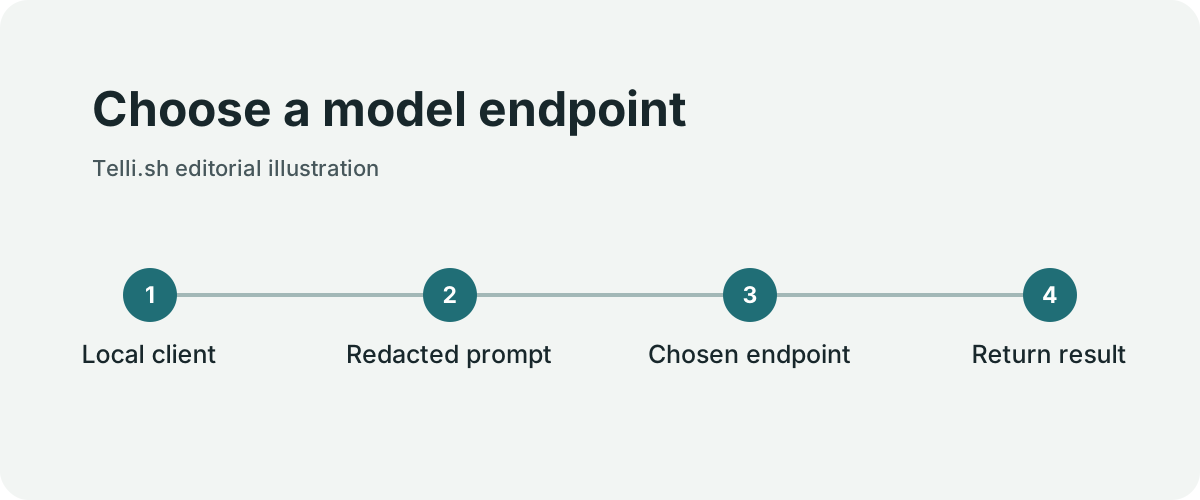
Choose a model endpoint. Original illustration by Telli.sh.
The client can use Ollama or another OpenAI-compatible endpoint. It also documents bringing an OpenAI or Anthropic key, and an eligible ChatGPT Plus or Pro sign-in preview. Pointing Transit at an Ollama server on the same machine can keep model inference on that machine. Pointing it at a company endpoint sends data to that endpoint. Choosing a cloud provider involves sending the request to that provider, with the project's redaction applied as documented.
Separately, the client still needs to reach network equipment to collect evidence. An investigation may involve a jump host, a read-only operator account, and multiple devices. A model endpoint being local does not restrict which devices the client can contact. Network reachability and credential scope do that.
The repository documents a limited tool surface and a command allowlist for supported vendors. It describes an approval policy for commands, with operator-configured automatic approval possible for matching rules on supported systems. Redaction and command filtering are layers whose behavior a team can test. Treat device banners and logs as untrusted text, especially when they contain imperative phrases. The assistant can summarize them without treating their contents as authority.
| Boundary | Question for the operator | Useful test |
|---|---|---|
| Model endpoint | Where does the assembled prompt go? | Inspect connection destinations with a dummy case |
| Equipment access | What device and account can the tool reach? | Try a known out-of-scope host in a lab |
| Command approval | Who can approve a proposed action? | Decline a command and confirm no device execution |
| Evidence and logs | Which data persists or leaves the machine? | Use harmless marker values and check exports |
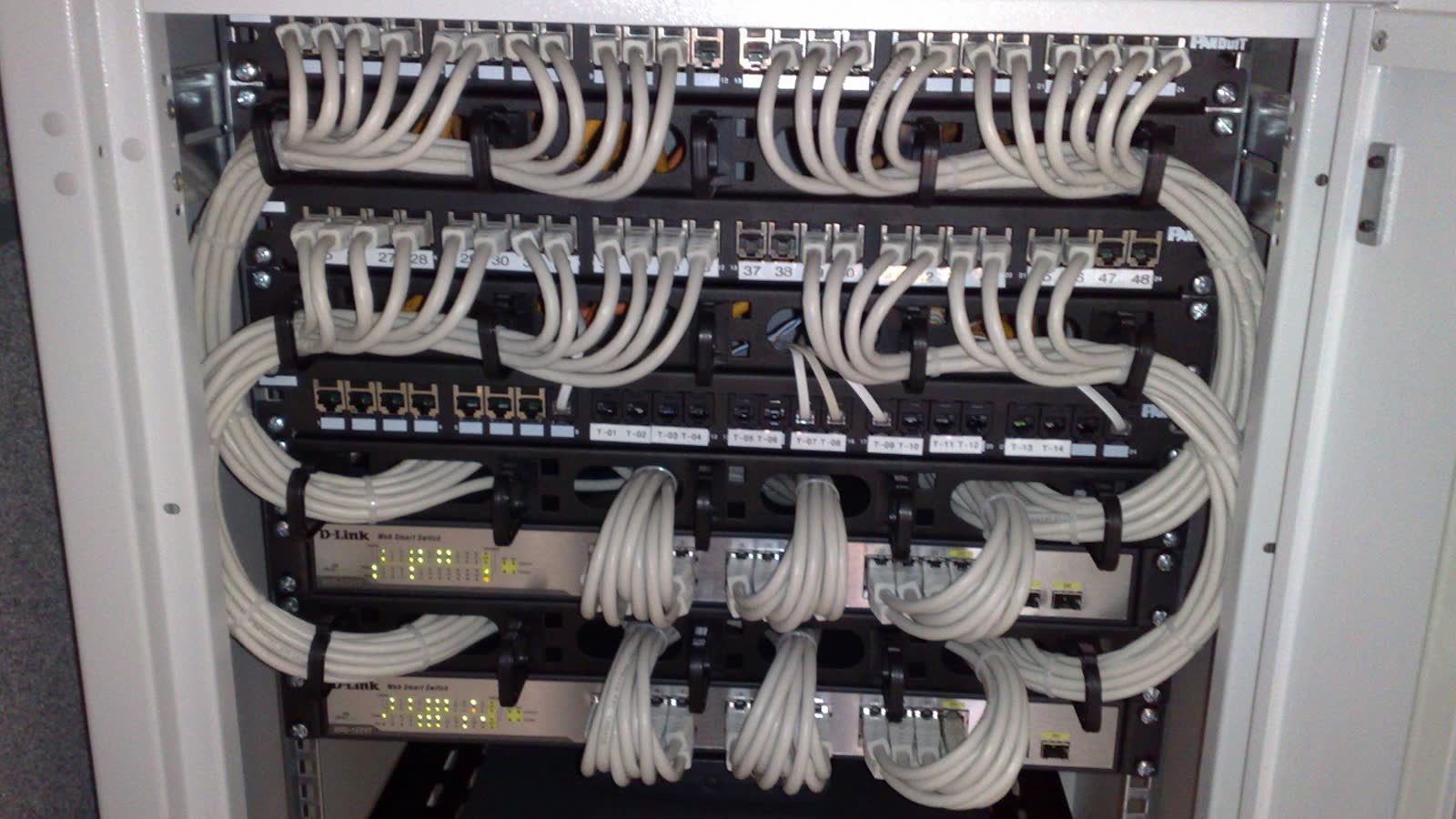
Switches and patch panels of the kind operators investigate. Context photo by Dsimic, cropped and resized, CC BY-SA 4.0. Image source · License.

A pilot built around a known fault
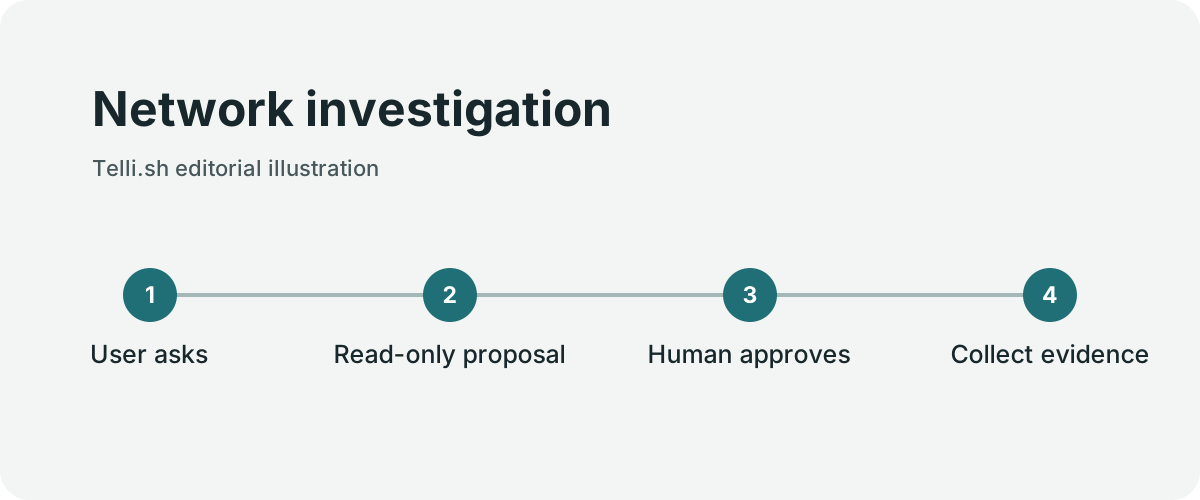
Network investigation. Original illustration by Telli.sh.
Set up a small lab with a known routing or interface issue. Give the tool a least-privileged account on the intended device and include an unrelated host that should remain unreachable. Ask for a hypothesis and a short list of observations that would disprove it. Run one proposed show command after reviewing it. Compare the output with the same observation gathered manually.
Give the assistant an ambiguous symptom in a second run. A slower service may be consistent with several network paths, and a device command may expose customer identifiers in a real environment. Dummy marker strings let the team check where output is transmitted, logged, or retained. Keep lab connectivity separate from the production jump host until the operators understand what each mode exposes.
When the result is exported, attach the command, time, device identity, and relevant output to the hypothesis it supports. The operator can then review a chain of evidence instead of trying to remember which sentence came from a router and which came from a model.
Release integrity and the limits of a local model
Transit says its release builds are unsigned. Its per-release SHA256SUMS file can help verify whether the downloaded file matches the published digest. That comparison does not by itself authenticate the publisher. Teams that require signed artifacts can evaluate building from a reviewed tag through their own software distribution process. The Windows installer documentation also specifies PowerShell 7.
Local inference can reduce reliance on a cloud provider and may fit an environment with constrained data sharing. A smaller local model may omit context, misread multi-vendor output, or take longer on the available hardware. Test the same known case across a local and an approved hosted configuration if both are permissible. Measure the number of correct hypotheses, unnecessary commands, mistaken device associations, and total operator time.
A sensible expectation for the first use is a bounded evidence collector with automatic approvals disabled and an operator reviewing each proposed command. If the lab runs produce consistent evidence and a defensible report, the next question is which classes of read-only investigations can use that workflow in production. That is a narrower and more useful decision than whether to give a model general network access.
Install one known build and write down its limits
The v6.5.11 release fixes a checksum manifest naming mismatch so that entries align with GitHub’s normalized filenames. Choose the release and platform deliberately and check its published checksum before running the installer. Review the release notes and obtain the files through the official repository. If your organization deploys approved software through a managed catalog, follow that procedure rather than treating a matching digest as authorization to install.
The README describes six investigation tools. The small number is useful only if the operator knows where each tool can reach. List the model endpoint, the jump host and the one test switch before granting credentials. Record which account opened each connection. If a developer configures a separate Ollama server, check which address the client actually reaches. A service on an office network is still an external destination from the laptop’s point of view.
- Create a lab case with a known symptom and an account limited to the intended equipment.
- Verify the chosen build and review the endpoint, credential and retention settings.
- Ask the assistant for the next observation and a hypothesis that observation can falsify.
- With automatic approvals disabled, decline one proposal and check the device log before allowing a separate safe command.
- Inject harmless marker values into the example logs. Verify whether the client suppresses them and where they appear in local records or on the configured endpoint.
- Export the findings and let another operator reproduce the diagnosis using the recorded evidence.
A user who sometimes switches providers should run that exercise after the configuration changes. The same button can produce a new data path when an endpoint changes. A network observer in an authorized lab can verify the destinations. A screenshot of the settings alone does not establish which destination received a request.
Separate a supported switch from a generic shell
Transit’s tagged threat model describes a command policy for supported vendors, including optional auto-approval under a previously enabled matching rule. A pilot can keep that option off and require an operator to inspect each proposal. The tool still needs a narrowly scoped device account. An approval dialog cannot make a service account least-privileged.
The same threat model documents a different policy for generic Linux and Unix. That path warns the operator, requires per-command approval and does not offer an always-allow rule. The underlying command policy for generic systems is unrestricted. Keep that workflow out of an initial read-only pilot unless the organization can enforce the scope independently. The device class and account are part of the safety design.
A second lab scenario can exercise the moment the tool encounters unfamiliar output. A command might report a counter the model does not recognize, or the expected interface could be named differently on two vendors. The useful response cites the original observation and asks for a discriminating check. A weaker response treats a plausible interpretation as established fact. Operators can score both without exposing a production device.
Make the exported result useful to another shift
A one-line diagnosis is convenient for the person who performed the investigation. A shift handoff needs the last confirmed observation, what was ruled out, what remains uncertain and what an incoming operator can check without reopening every session. Include the evidence reference next to each important claim. If the model changes its diagnosis after seeing a new log entry, record why.
The best comparison includes the manual process the team already uses. Note time to find the first useful observation, number of irrelevant command proposals and time to write the handoff. A local model can offer a meaningful privacy advantage when it meets the job at an acceptable speed. An approved hosted model can be the more practical choice for a harder case if the data policy allows it. Keep the connection paths and resulting evidence clear in either mode.
Track each destination separately
A useful configuration record lists what is sent by the user interface, what is forwarded to inference and what is collected from the equipment. It can make a provider change much easier to review. Treat retention settings at each destination as separate. A cleared local session history cannot prove that an endpoint discarded an earlier request.
| Mode | Inference destination | One useful check |
|---|---|---|
| Ollama on the same workstation | Loopback endpoint | Confirm the process connects to the intended local listener |
| Company inference server | Internal address | Verify service authentication and prompt retention |
| Hosted provider | Approved provider endpoint | Check redaction and policy using fabricated evidence |
| Account sign-in preview | Eligible provider account | Verify the correct account and available administrative controls |
The table describes common deployments. A team should observe the actual endpoints and service configuration it chooses. An administrator might see the same brand in a settings panel for a hosted service and a private gateway. Identifying the actual hostname and operator makes the data flow auditable.
Use synthetic evidence to check redaction
Build a lab log with a fake IP address, an invented device label and a marker that resembles a customer identifier. Mark which items a policy expects to keep, mask or remove. Try the same fixture in two separate operations, such as a chat summary and an export. The system may build those outputs differently. Check each channel before allowing real data.
A second test should use a marker embedded in a long description or formatted output. A redaction rule can handle a field it recognizes while missing the same value in prose. If the result still exposes the marker to an unauthorized destination, close that pathway before connecting production equipment. The operator can reduce the original data set and repeat the test to see which protection actually works.
Re-evaluate after upgrades
After updating the client, record the selected provider and retry the same lab cases. Changes to the command allowlist or automatic approval matching can affect what the tool offers. Changes to endpoint defaults can affect where evidence goes. Verify a rejected command, a redaction case and a successful known diagnosis together. That small regression set makes the open-source tool easier to operate as the team’s own environment changes.
Check the tools and the device account independently
A read tool may return device metadata or evidence that is already available. A command-execution tool can ask a device for new evidence using a connected account. A summary request should remain possible when execution is unavailable. Test that boundary explicitly by removing the device connection while leaving the model endpoint enabled. The response should distinguish information from an earlier observation from a new observation it could not collect.
Then connect using an account that can inspect one switch but cannot enter configuration mode or reach another network segment. A team can test the rejected path against its own lab infrastructure without asking the assistant to attempt a real change. Compare the application’s proposed-action record with the device’s own login and command audit. This exercise separates a tool-policy decision from the access that the actual account has.
Sources
For a searchable record of the conversations and decisions behind your work, Create a Telli.sh account.