Siri can call your app. What should you expose first?
Apple’s November developer preview brings Siri AI to App Intents. A delivery lookup shows how to design app actions with clear context, confirmation and results.
A package is late. The customer wants to know whether it will reach their office before they leave, and the useful answer is buried behind a sign-in screen, an order list and a tracking page. A natural-language request can shorten that trip if the app gives the assistant a well-defined way to look up the right shipment.
On November 3, Apple opened a Siri AI developer preview for App Intents in beta software including iOS 27.3. The preview lets developers connect their apps to requests that may draw on personal context, information on screen and related actions. Apple plans to bring the integration to customers later, with App Store submissions expected in the spring. Developers have an opportunity to work out the behavior of an action before people rely on it.
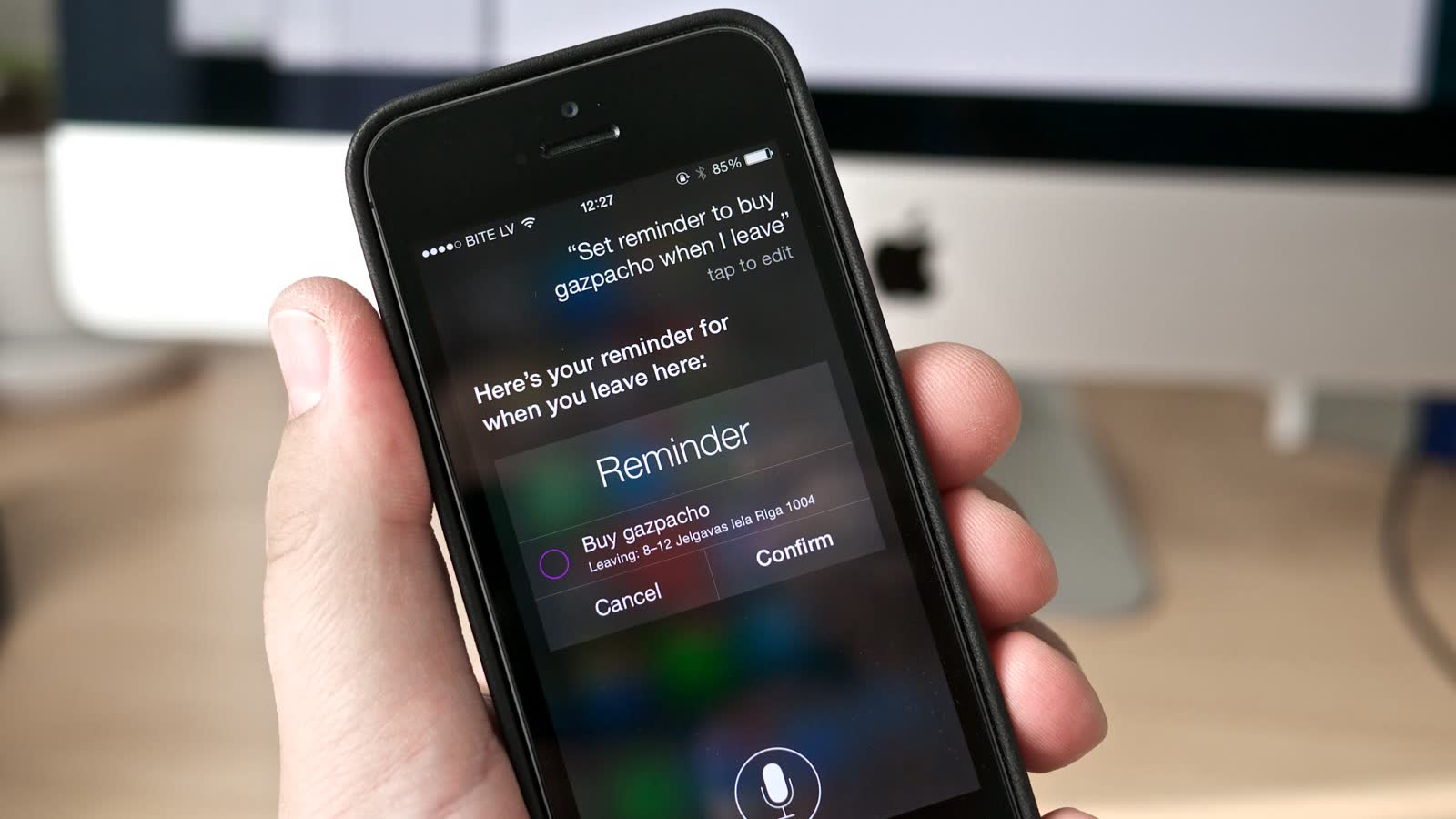
Siri in 2014, photographed by Kārlis Dambrāns. Cropped and resized, CC BY 2.0. Image source · License.

Give the assistant one job with a recognizable result
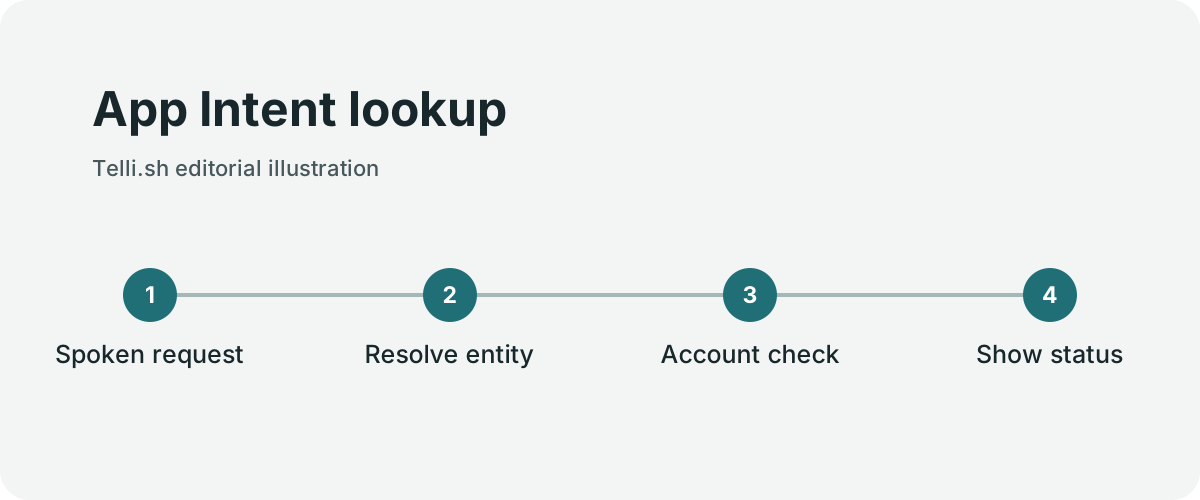
App Intent lookup. Original illustration by Telli.sh.
An app intent represents an operation the app is prepared to perform. Think about a shipping app that exposes a status lookup. The input can be a shipment entity the app knows how to resolve, and the result can identify the shipment, its latest status and the update time. The app owns the data and decides what the signed-in account is permitted to see.
That design keeps the interaction short and answerable. If one account has three active deliveries, the assistant needs enough information to distinguish them. A tracking number, a short label or a destination that the person recognizes can make the choice concrete. An ambiguous phrase like “my package” should lead to clarification when several items match.
| Request | What the app needs | What the person should receive |
|---|---|---|
| Where is my order? | Account and shipment identity | Status, update time and a link to details |
| Do I have a reservation tomorrow? | Account, date and relevant time zone | Reservation time, location and current state |
| Move my reservation to 7 p.m. | Reservation, requested change and availability | A clear confirmation step and final outcome |
| Place the same order again | Product, price, address and account permissions | An order summary with terms before commitment |
The first two rows are good starting points. They can usually return a useful answer without creating a transaction. A reservation change is a different contract. The requested time may be unavailable, the venue might charge a fee, or a time zone conversion may change the date. Those conditions belong in the app’s action and its response.
Let the app handle permissions at the point of action
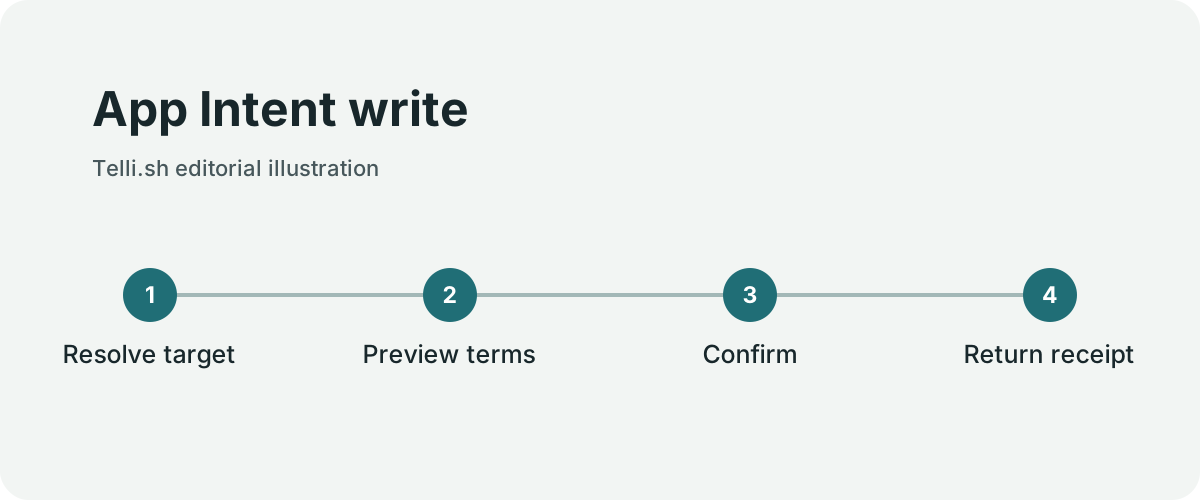
App Intent write. Original illustration by Telli.sh.
The assistant can resolve a phrase and identify a candidate action. The app still has to verify who is asking, what object they may access and whether the operation can proceed. Carry the same checks used by the existing app interface into the action path. A natural-language request will sometimes arrive while the person is in a different account, on a locked device or after a session has expired.
A financial commitment deserves a final view of the amount and who will be charged. A delivery change should make the destination visible before confirmation. If the backend cannot tell whether a request succeeded, the app should return a state the person can resolve rather than encouraging a second identical submission. These rules are familiar to anyone who has built a checkout form. The difference is that a voice or chat interaction may need to carry the same clarity in much less space.
Take a simple example. A person asks to reorder a package of coffee. The first order may have been placed with a temporary discount, the selected delivery address may no longer be current and the product may come in several sizes. A safe experience can name the current item, size, price and address before the app places an order. It can also make the receipt easy to find afterward.
The user’s context helps find the right starting point. It should remain clear which parts of that context the app actually used. A confirmation that says “the order you have on screen” can be useful when only one order is visible. If the screen has multiple items, repeat the specific choice. Give the person a chance to correct the interpretation before acting.
A sequence of actions needs an honest end state
Apple also describes skills that compose multiple actions, and support for entities in Spotlight’s semantic index. Together these ideas can reduce the number of screens between a request and a result. They make small errors in any individual operation more important, because one action’s output can become the next action’s input.
Imagine a request to find an upcoming reservation and change its time. The lookup can succeed while the change fails. Report both states. Saying the reservation was found and still has its original time gives the person useful information and a clear next step. A generic success message would hide the failure, and a generic error would hide the successful lookup.
A practical sequence often needs several kinds of result. One step can return a candidate. A later step can request a choice or confirmation. A final step can return a receipt or a pending status. When composing actions, test the path where a person changes their mind halfway through, and the path where a network call takes longer than the interaction can comfortably wait.
Use a stable record identifier internally. Natural-language labels change, and several items can share a similar label. Stable IDs let the app tell whether it acted on the intended object while still returning a friendly description. Keep a link to the source record so a person who needs context can reopen the app at the appropriate screen.
Try the preview with an action you can verify by hand
- Check Apple’s developer announcement for the supported beta OS, device and language. Use a test account and test data. Apple lists Korean among the supported languages and describes limits by device and region.
- Choose one read action that users already perform regularly. Write down the normal interface path and the exact answer a successful action should provide.
- Use Apple’s App Intents documentation to model the action and the entity it acts on. Decide what should happen when the request matches zero, one or several records.
- Exercise the action in normal and ambiguous cases. Include a missing account, an expired session, duplicate labels and an unavailable network. Compare each result with the app’s current screen.
- For a later write action, record where the person sees the target, the terms and the outcome. Add a test that repeats the action request after a timeout and checks that the app handles it correctly.
- Treat the customer rollout date and developer preview as separate milestones. Recheck Apple’s current submission and policy information when planning an App Store release.
This is a good place to test language variations. A delivery app can start with the phrases customers use in support requests. Some include a date, some mention the store and others refer to a package by location. Inspect how the action asks for a missing detail when the utterance is incomplete. A useful clarification takes the person one step closer to the answer.
Pick the right surface for the result
Apple distinguishes app entities in Spotlight, app-specific actions, snippets and skills that put actions together. A shipping app can decide which of those surfaces fits one practical question. An entity in search can help a person recognize an order. An action can resolve a request against the current account. A card can make the result readable at a glance. A sequence is useful when finding the order is only the first step.
For a status lookup, a card might show the destination city, the current state and the time of the last carrier update. The appropriate amount of detail depends on where the card appears and whether the device is locked. Test a screen without relying on the person to hear a spoken disclosure. Test the spoken version without relying on the screen to convey a critical warning. The same source data needs to make sense in both places.
Apple's preview guide also explains how the assistant targets an app. A custom action requires the app name when the app is in the background, subject to the contexts below. A foreground app, an active Live Activity or a conversation that has already named the app can provide useful context. Test an explicit invocation first so you know the action works at all. Then try the same request from the home screen, with another app visible and during a continuing conversation. Record which context produces which result.
Treat distribution as a separate test
The preview guide describes development-signed testing on devices and testing with internal TestFlight. It says external TestFlight and App Store distributions cannot exercise these preview integrations. That matters when a product manager asks for a customer pilot. A valid demonstration with a development build does not establish that a customer can turn on the same feature in a store build.
Apple lists support for compatible Apple Intelligence hardware and six languages, including Korean. Regional, age and server-side limits also apply. Apple lists iOS, iPadOS, macOS, watchOS and visionOS 27.3 beta software for Siri AI, while the opening third-party preview names iOS, iPadOS, macOS and visionOS. Keep those scopes separate when assigning testers. A narrowly labeled test report helps the next engineer understand whether an apparent failure arose from the action, the test channel or the device.
A useful internal test has one row per request, device, language, distribution channel and result. Begin with one known-good row. For a Korean status query, compare a short colloquial phrase with a request that includes the retailer or the tracking date. If both arrive at the same record, the interaction has survived a useful variation. If one exposes a different person's order, stop the test and fix the authorization path at the source.
The final acceptance check should use a normal human handoff. If the intent can find a reservation but cannot move it, show the available time and open the correct screen. If it can place the change, show the completed result and let the person find the receipt later in the app. In both cases the app gives the person a specific next step.
A shortcut earns trust one action at a time
The appealing part of Siri AI integration is the chance to put an app’s most useful function closer to the person who needs it. A narrow, verifiable action can offer real value without requiring a large catalog of integrations. A business that knows how to show the right delivery status has a good place to begin.
As you add actions, use the same standard for each one. The person should understand what the app found, what it asked permission to do and what happened afterward. That clarity matters even more when a request crosses several services or the user never opens the original app window.
Sources
- Apple Developer’s November 3 Siri AI preview announcement
- Apple App Intents documentation
- Apple’s developer preview setup and testing guide
- Apple’s Spotlight and App Intents documentation
For a searchable record of the conversations and decisions behind your work, Create a Telli.sh account.