Give your AI an email address: Resend Inboxes makes the handoff visible
Resend's shared inboxes put people and agents in the same email thread. A practical look at triage, drafts, ownership and the decision to let an agent send a reply.
A customer replies to yesterday's email with a short question: “Can we change the delivery address?” The message is easy to read. Knowing who should answer, which order it refers to and whether the change is still possible is the actual work.
On October 22, 2026, Resend announced Inboxes, shared email inboxes designed for applications, people and AI agents to use together. An inbox can receive and send mail on a company's own domain, while messages stay grouped into threads. The launch brings assignments, notes and API access into the same conversation space. Official announcement.
Resend is known for email infrastructure for developers. Inboxes moves the discussion from getting a message delivered to handling what happens after someone replies. The interesting question is whether an agent and a person can share responsibility without losing the conversation's history or the decision about who may act.
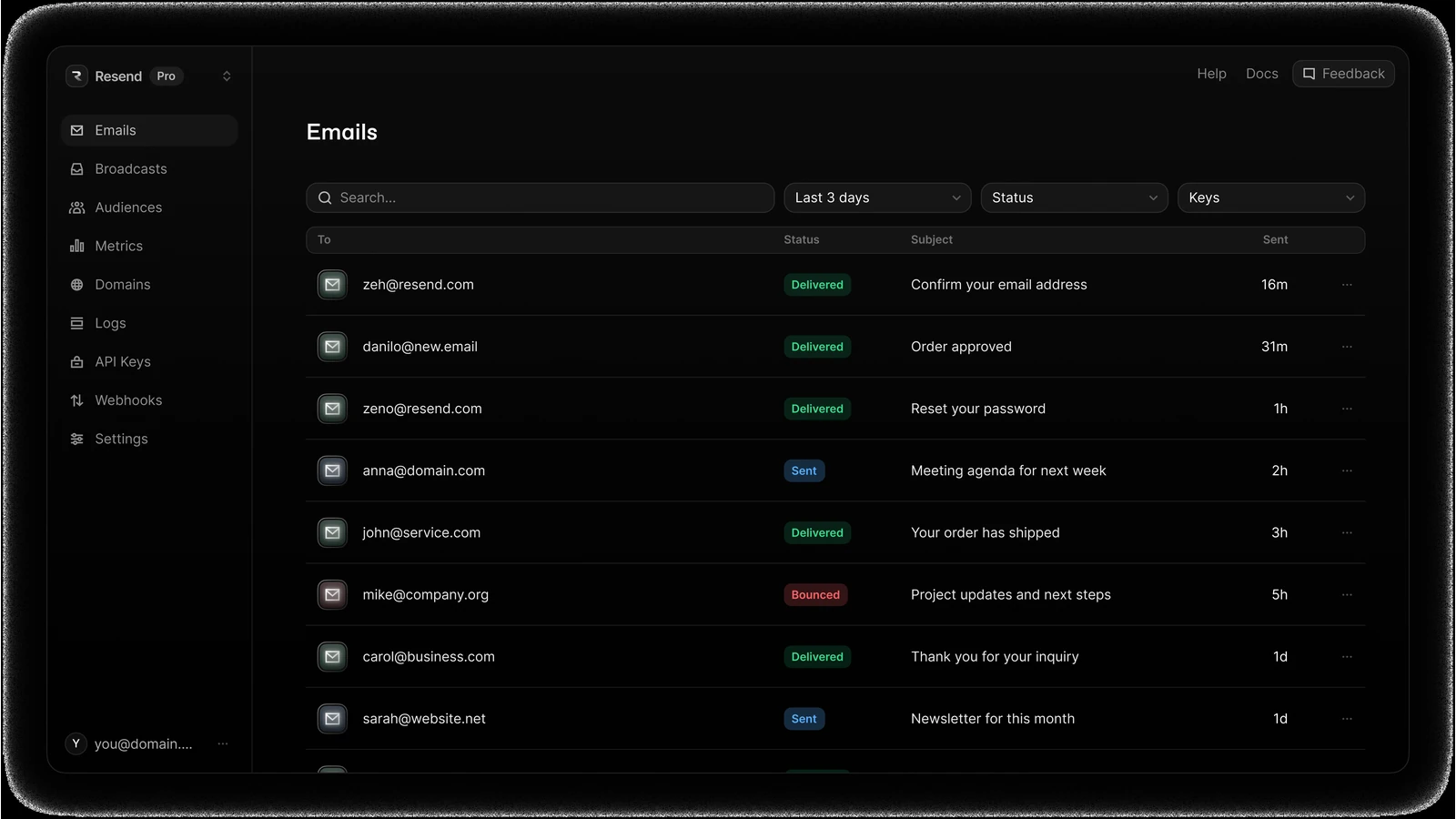 Official Resend email dashboard image provided for product presentations. It identifies Resend's email platform; it is not a screenshot of a new Inboxes workflow we tested. Source: Resend brand resources.
An address gives an agent a place in an existing workflow
Email remains a practical interface because customers, suppliers and colleagues already know how to use it. They can send an attachment, reply later and continue a conversation without opening a new application. A business does not have to persuade every participant to join its preferred chat tool before an automated workflow can begin.
An agent with an inbox can receive that same kind of asynchronous work. A request arrives with a sender, a subject, earlier messages and a place for the next reply. That is a different starting point from a blank chatbot window where someone must paste the entire history again.
Resend's launch describes shared threads that can be handled by a team and its agents, with conversation assignments and internal notes. Its API can create inboxes, retrieve threads and send replies. The product page also offers connections through MCP and agent skills. Inboxes overview; Create Inbox API.
Our view is that the shared thread is the important object. It can keep a customer's question, the agent's proposed next step and a person's final decision connected. The benefit comes from continuity, rather than from giving a model a more human-looking address.
Think of the inbox as a reception desk. An effective desk records what arrived, routes it to the right owner and makes it clear when someone has taken responsibility. Automating the greeting without preserving those functions would only make the queue harder to understand.
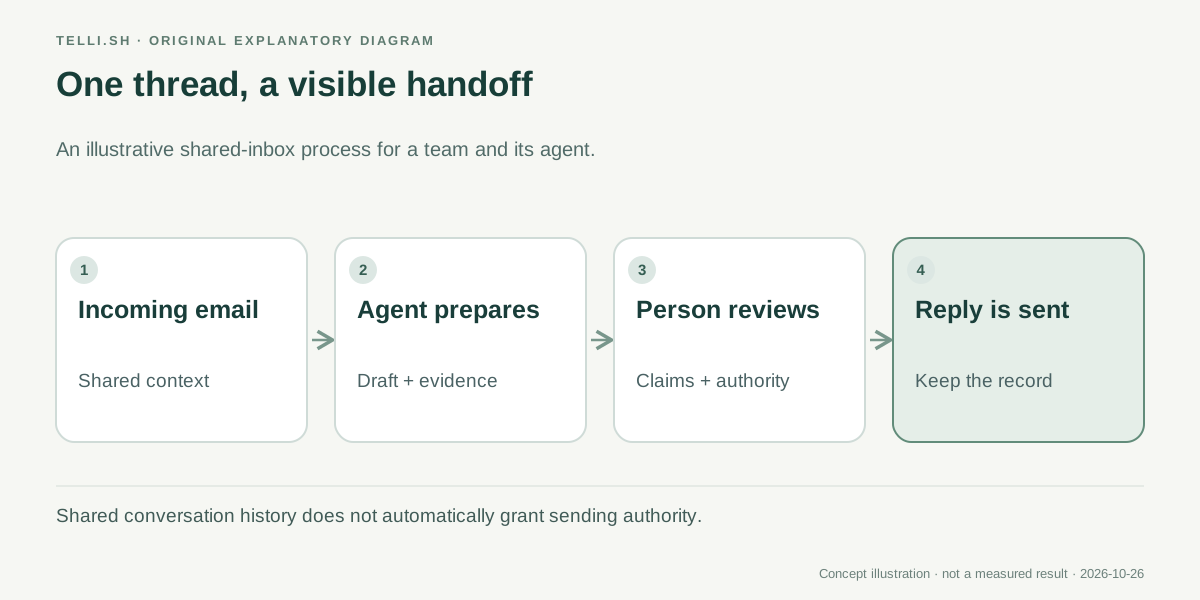 Original workflow example. A shared conversation can preserve the handoff between automated preparation and human judgment.
Customer support is a good first use because ownership matters
Return to the delivery-address request. In an illustrative support workflow, an agent could identify the order reference, label the topic and prepare a reply asking for a missing detail. A person could check whether the order has already shipped before authorizing any change or making a commitment to the customer.
The distinction between a draft and an action matters. A draft may say, “We can change this for you,” even when the connected fulfillment system has not confirmed that the parcel is still editable. The email can be fluent while the proposed action is premature.
A sensible first workflow separates gathering information from making the decision. Let the agent assemble the relevant thread and prepare a proposed response. Keep the operational change and the final customer promise with an owner who can verify the necessary state.
This also gives the team a way to measure usefulness. Count how often the prepared draft needs a factual correction, how many conversations reach the wrong owner and how long a customer waits after a handoff. Those are more relevant measures than the number of messages an agent can produce in a minute.
Resend's announcement explicitly describes configurable agent actions and recommends beginning with drafts and labels before widening the scope. The available actions include operations with different consequences, such as forwarding, assignment, archiving and deletion. Treating all of them as one “AI on” switch would hide an important operational decision. Agent controls.
Recruiting and on-call work need different rules
A second scenario is recruiting. An inbox can collect candidate replies, interview availability and requests for clarification. An agent might sort messages or draft scheduling questions, while a recruiter remains responsible for decisions about a candidate and the wording of sensitive replies.
Here the challenge is not simply extracting a date. A candidate may ask for an accommodation, mention a personal circumstance or provide information that should not spread to every connected tool. The workflow should make it clear which people can see the conversation and which operations the agent can perform.
An on-call inbox has a different problem. Messages may contain repeated alerts that refer to the same incident, while one seemingly minor email describes a new failure. A useful agent could group the incoming material and propose an owner, but the team still needs a policy for escalation and a way to notice when routing fails.
These examples show why an inbox is a starting structure rather than a complete business process. Support cares about customer promises, recruiting about appropriate access and scheduling, and on-call operations about urgency and ownership. Reusing the same model instructions across all three would ignore the reason each workflow exists.
The practical opportunity is to reuse the email interface while making the rules specific to the task. A well-defined inbox can become a narrow work queue. A broadly empowered inbox can become a place where unrelated obligations accumulate without a clear owner.
Start by letting the agent prepare the next move
Resend's October 22 launch says users can start with up to three inboxes for free and describes additional inboxes on paid plans at a per-inbox price. That makes a small trial possible, but it is still important to check the current sending, receiving and plan limits for the intended workload. The number of inboxes is only one part of operating the workflow. Launch access; current product offering.
An initial experiment should answer a narrow question: can the agent make a particular queue easier to handle without making the final decision less visible? A support team could begin with a low-risk category of requests rather than its most urgent or complicated cases.
- Choose one address and define the kind of work it receives, such as requests for a missing invoice copy.
- Connect and verify the domain through the product's documented setup rather than reusing a personal inbox casually.
- Give the workflow access only to the information needed for that category.
- Enable preparation steps, such as labels, assignment suggestions or drafts, before automated sending.
- Review a representative set of conversations, including unclear requests, missing references and replies that change the topic.
- Expand the permitted actions only after the team can explain how errors are detected and who owns the next step.
This sequence is a proposed evaluation method, not a claim that every control is configured in one product screen. The choices should match the application's integration and the organization's existing access rules.
A developer also has to distinguish receiving an event from completing work. A webhook can tell an application that a message arrived. It does not establish that a customer was answered, a refund was processed or the correct person accepted the handoff. Those outcomes need their own state and evidence.
A useful permission boundary follows the consequence of the action
There is a natural progression from reading a message to changing the world outside it. Summarizing a thread prepares information. Drafting a response proposes communication. Sending a reply creates a commitment someone else may act on.
The same principle applies to internal operations. Adding a label is usually easier to reverse than deleting a thread. Assigning a conversation is not the same as authorizing a payment. A workflow should make those distinctions explicit even if the interface makes all the actions look equally simple.
| Agent operation | What the team gains | What needs an owner |
|---|---|---|
| Summarize and label | A faster first pass through the queue | Topic definitions and correction of bad labels |
| Prepare a draft | A proposed response with the thread in view | Factual accuracy and the customer's expectation |
| Assign or escalate | A clearer destination for the next step | Acceptance of the handoff and overdue work |
| Send or forward | A conversation can move without another manual step | Recipient choice, authority and commitments |
| Archive or delete | Less visible queue clutter | Retention and recovery decisions |
This is an editorial comparison of consequences, not a ranking of the product's features. The point is to make an approval decision at the level of the action rather than the level of the brand.
Incoming mail should also remain source material. A sender may include instructions that conflict with the business's own rules, whether deliberately or simply because the request is unusual. The workflow should interpret those words as a customer's request to evaluate, not as an automatic grant of new authority.
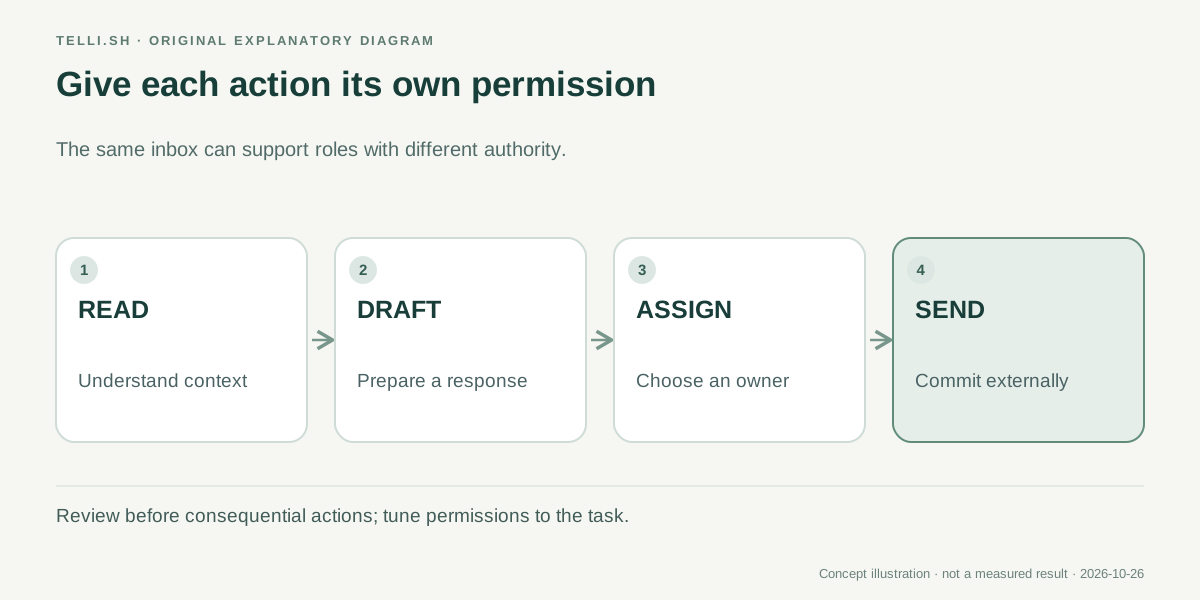 Actions differ in consequence. A team can use the same inbox while granting an agent a deliberately limited role.
The best inbox automation leaves a readable history
One risk of adding an agent is that work becomes harder to explain. A reply appears, the status changes and no one knows which information justified the decision. A shared thread is valuable only if the team can still follow how a conversation moved from a request to an outcome.
For that reason, include failed or incomplete cases in an evaluation. What happens when the customer gives the wrong order number? Who notices a draft that was never sent? Can a person pick up a conversation after the agent stops, without reconstructing its intentions from a separate chat log?
Those questions are particularly important for a small business, where the same person may be support lead, finance reviewer and system administrator. An automation that saves a few minutes on easy messages but creates an invisible queue of ambiguous cases can increase the total burden.
There is also a product-design opportunity. Email can become a convenient entry point for tasks that should eventually live in a structured system. A workflow might extract the minimum useful fields from a request, ask for missing information and keep the conversation linked to the resulting case. It should preserve the original words so the interpretation can be corrected later.
Resend's announcement makes this direction concrete by treating an inbox as something a developer can create and connect, rather than only a screen a person opens. That is useful infrastructure. Whether it improves work depends on the process placed around it.
An AI email address is useful when responsibility stays human-readable
Inboxes is worth watching because it meets people in a communication channel they already use. The strongest workflow would let an agent prepare routine work while making the source, proposed action and responsible person easier to see.
Before giving an agent permission to send the next reply, ask what a colleague would need to understand it tomorrow. If the answer is still present in the thread and the connected records, the automation has preserved something more valuable than speed: a conversation the team can continue.
Sources
- Resend: Announcing Inboxes, October 22, 2026.
- Resend Inboxes product page, checked October 26, 2026.
- Create Inbox API, checked October 26, 2026.
- Resend brand resources, official product image and presentation instructions, checked October 26, 2026.
Keep the material behind your decision
Telli.sh offers a separate workspace for source material and reviewed notes you are authorized to keep. Create your note workspace.