Qwen4-Max Preview can read video. Can it find the right moment?
A long training video makes a useful test for Qwen4-Max Preview. Check whether the answer points to the right scene and what a shorter clip changes.
A training video says to archive a record only after checking the retention status. Forty minutes later, a second demonstration opens the same screen and skips through it. A trainee asks which scene shows the complete sequence. A polished answer is easy to read. The right timestamp is much more valuable.
On November 11, 2026, QwenCloud began a limited preview of Qwen4-Max-Preview, a flagship model accepting text, images, and video. Its documentation specifies a context length of one million tokens. The preview is available through Token Plan only and is scheduled to end at 24:00 on November 25, UTC+8, after which QwenCloud says it will retire this model ID. QwenCloud model documentation
This kind of model gives you a way to ask questions about a long recording. The useful question is whether it can send someone to the exact passage that supports its answer. A training video gives you a simple way to separate finding the right scene, understanding it, and reporting it clearly.
A long window gives the model more candidates to search
The one-million-token specification is a context limit. It is a poor unit for predicting how much useful detail a particular video will convey. Video processing, frame sampling, file constraints, the API route and the rest of the prompt can affect what goes into a request. Two recordings of the same duration can also differ greatly in what a viewer needs to notice. A brief screen state can be harder to recover than a section that stays visible for several minutes. Check the video-input documentation for the endpoint and input method you use.
QwenCloud documents structured output and separate controls for reasoning intensity. Those features make it possible to ask for a consistent answer object and to compare different settings. They give the model a shape for a claim and a timestamp. Evidence still comes from checking what the video shows at that time. QwenCloud model capabilities
Picture a 50-minute software training video. It shows the same archive dialog twice. In the walkthrough that matters, the instructor first reads a retention field and checks a date before continuing. In the recap, the instructor shows where the dialog opens but never checks the field. A relevant answer must identify the complete walkthrough and name the visible cue. Matching only the dialog title can send the trainee to the wrong scene.
Build the evaluation around that difference. For each question, have a reviewer mark the supported interval, identify the visual evidence, and note whether a transcript alone could answer it. If two intervals both contain sufficient evidence, mark them both as valid. That prevents a test from penalizing a useful alternative passage. If the answer depends on the order of two actions, label the full interval needed to see both.
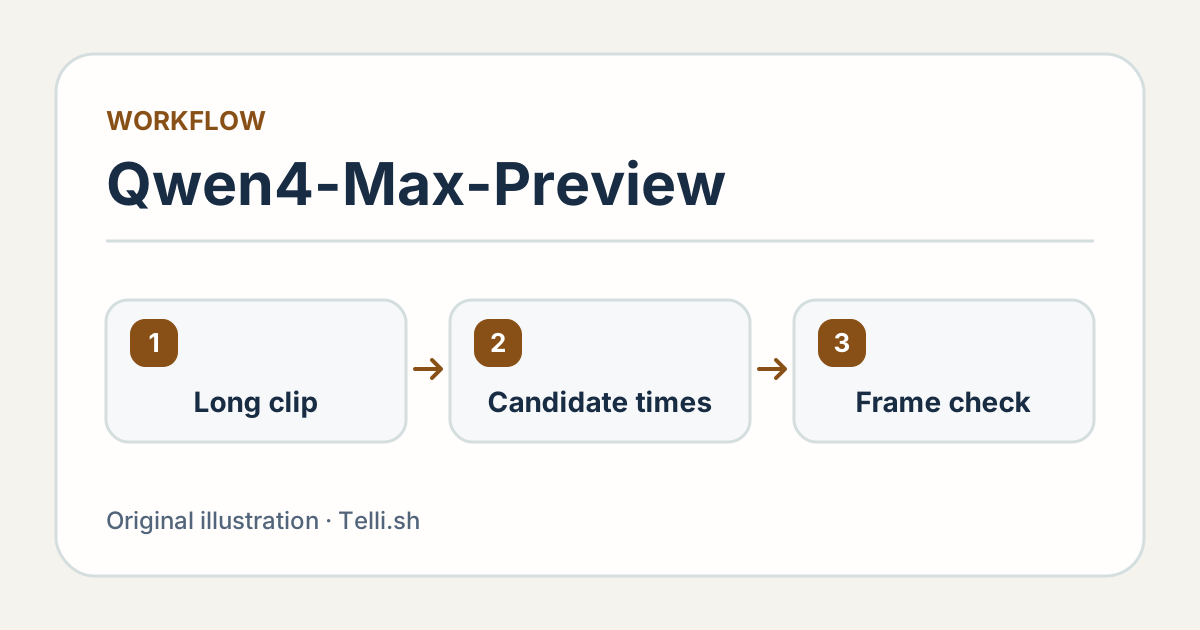
A candidate timestamp becomes useful when you can open it and see the evidence. Original illustration by Telli.sh.
Ask for an answer someone can check
An answer object can be small. Give it an answer, a start and end time in source-video time, a short description of the supporting cue and an explicit state for insufficient evidence. The UI can then open the video at the beginning of the proposed interval. Ask the reviewer to check the evidence before reading the generated explanation. That makes it harder for a plausible explanation to steer the judgment.
The request could be as direct as “Find the complete archive sequence. Return the start and end of the scene, identify the retention-status field, and say whether the date appears before the archive confirmation. If the recording never shows the complete sequence, report that the evidence is insufficient.” The fields should be things a person can see. Avoid asking for “confidence” unless you also have a way to check whether its numerical values reflect real outcomes.
Use questions about text, order, and absence. For text, choose a visible label that changes meaning across two scenes. For order, ask what appears before or after a clear cue. For absence, ask about a plausible step that the video never shows. A model can pass ordinary questions by following familiar conventions. A useful negative example tells you how it behaves when those conventions conflict with this particular recording.
The timestamp also needs a definition. If the video player starts at zero but a transcript uses timecodes from the original recording, align them before you score an answer. If you cut a five-minute clip from a longer video, keep the offset between clip time and source time. Exporting 04:15 in a clip and opening 04:15 in the original can create a convincing error even if the model found the right frame.
Run a wide scan and a narrow check on the same questions
There are at least two plausible ways to search the recording. Give the full video to the model and ask it to return candidate intervals. Or divide the video into known chapters, use chapter names or a transcript to select a few, and ask the model to inspect those shorter clips. Start with the same questions and the same human reference intervals. Compare both methods before deciding whether a larger request earns its time and cost.
| Method | What it helps with | What to check |
|---|---|---|
| Full video in one request | An action that repeats across distant scenes | Correct occurrence, end-to-end latency and incomplete outputs |
| Chapter search, then a short clip | A known topic with small visible details | Chapter selection failures and timestamp offsets |
| Transcript first, visual check second | A narrated process with an on-screen confirmation | Whether the spoken and visible actions agree |
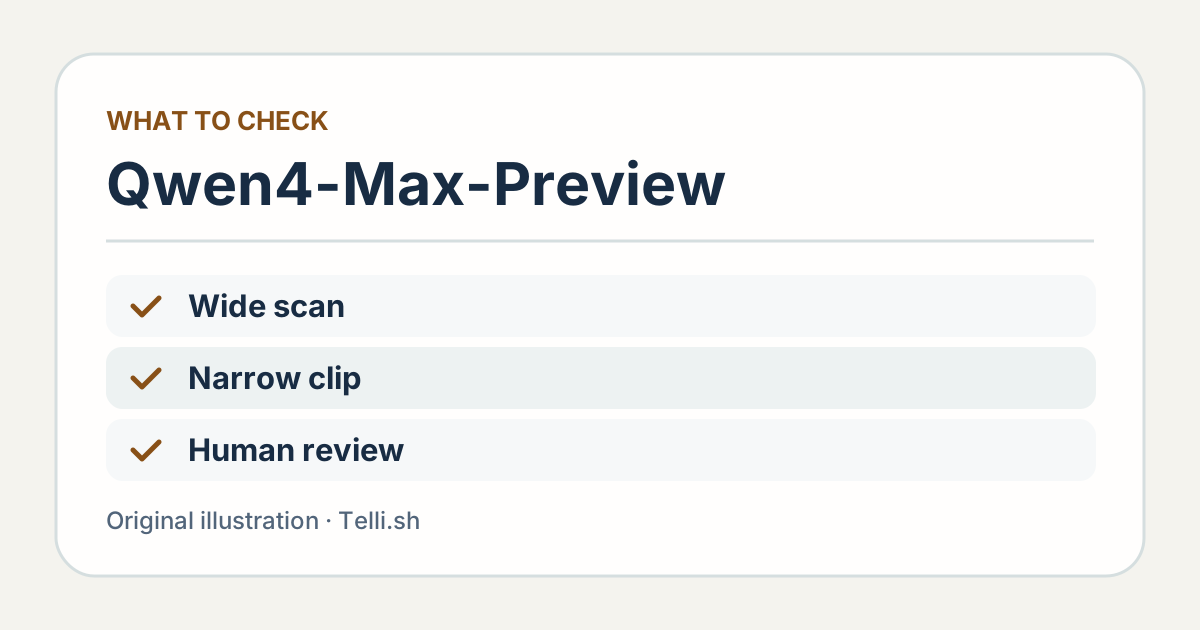
Use one set of reference scenes to compare different retrieval paths. Original illustration by Telli.sh.
The shorter path can be cheaper to try, but it introduces a retrieval failure before the model ever sees the evidence. A full-video run can recover a scene in an unexpected chapter. It can also identify the general section while missing the exact cue. Record the category of each miss. A search failure asks for better chapter selection. An evidence failure asks for a better visual input or a different review step. A source-time error asks for a fix to the player or conversion.
The test will be clearer if you separate a hit from a complete answer. Mark whether the suggested interval overlaps a valid reference scene. Then ask whether the answer correctly identifies the visible field and the action order. You can set an acceptable timestamp window in advance, such as ten seconds for a slow walkthrough. A fast transition might require a much narrower window. Store those settings with the evaluation so another model is measured the same way.
Track latency from the time the user asks until they can play the evidence. A response that returns an explanation quickly but omits a usable interval makes the user do another search. Keep first usable result and total completion time separate. For a high-value answer, it may be worth opening the top two candidates. For a routine question, the right answer and one evidence link may be enough.
Three similar videos can expose three different errors
Build a small test set that has one obvious source of difficulty per recording. For a narrated walkthrough, make the spoken instructions agree with the visible action. For a second recording, show a different button sequence from the one the speaker describes. For a third, put a similar scene near the beginning and the correct one late in the video. A model can do well on a textbook tutorial while still failing the case a trainee needs help with.
Use a task with an answer that hinges on a precise visual cue. In the second recording, the narrator says to click Submit, but the visible button reads Save as draft and the document never enters the review queue. A user who wants to submit a document needs that distinction. Separate the answer about what the speaker recommended from the answer about what happened. Mark the field that shows the final state as the evidence to find. The right timestamp should open early enough to show why the screen state changed.
Give the reviewer a small decision table. A correct interval with the wrong interpretation counts as a reading error. The right interpretation tied to a different scene counts as a retrieval error. A report of missing evidence is correct on a deliberately incomplete clip and incorrect on a clip containing a clearly marked sequence. Count such cases explicitly so a model cannot improve its score by declining every difficult request. Use the same scoring for every variant.
Check legibility before drawing conclusions from missed screen text. Open the exact submitted file at its intended size and compare it with the frames the reviewer can see. Compression can make a status field unreadable before a model ever sees it. Test a cropped clip when a broad request consistently finds the chapter but misses a small detail. That tells you whether higher local visual detail helps more than sending the whole recording again.
For training teams, there is also an editorial limit to how short the evidence interval should be. A five-second segment may show a final state and omit the decision that led there. Mark whether a learner needs to see the preceding menu choice, the warning message or a confirmation screen. That helps the UI take the learner to a passage that explains the task as well as proves the answer.
Treat the preview as an evaluation window
QwenCloud identifies the model as qwen4-max-preview. Its model page lists dedicated Token Plan access and says pay-as-you-go access is unavailable for this preview. The provider documents compatibility with OpenAI-style Chat Completions and Responses and with Anthropic-style Messages. Check the chosen protocol's visual input rules before reusing a client that was designed only for text. QwenCloud preview access
QwenCloud also documents a maximum output of 393,216 tokens, shared by thinking and the final answer. In its Chat Completions-compatible interface, the maximum completion budget includes both. For this evaluation, keep the requested answer concise and monitor incomplete results. A long output allowance does little for the person looking for one 20-second scene. When comparing reasoning settings, keep the video, questions and validation rules constant so a change in input size does not get mistaken for a change in reasoning quality.
Select a video you are allowed to send to the service. A synthetic tutorial or public training clip is enough to test evidence lookup. It can include two visually similar demonstrations with one intentional difference, without carrying customer data or internal procedures. If you later need to use workplace recordings, check the provider's current data terms and the team's permission to upload that material before adding it to the test.
Write the evaluation so it survives the preview. Save the file references, chapter boundaries, reference intervals, questions and scoring decisions alongside the model ID and date. Keep the media under your own authorized storage. If you need to compare the replacement, you will already have the work that costs the most to reconstruct, which is a set of checked examples.
The evidence link is the interface
A long context window makes it reasonable to test a new way to find a scene. A precise, playable interval makes the result useful to the next person. For a training team, the better trial asks whether a learner can arrive at the right moment and understand the action without rewatching the whole lesson. That test will still work when this preview ends.
Sources
- QwenCloud model specifications, supported protocols, and preview window
- QwenCloud developer guide and visual input documentation
To keep a searchable record of training notes and the decisions they support, create a Telli.sh account.