MiniCPM-OCR can read a folder of scans locally. Which pages still need a person?
The MiniCPM-OCR 1.0.5 SDK processes multiple inputs in a run. Keep one result per document, check critical fields and decide which scans can go into a searchable archive.
Three old invoices are legible to a person and difficult to search. One is a flattened PDF. One is a photograph with a bent corner. The last is a clean scan with a table that spans two pages. A local OCR tool can turn these images into text, but the person approving the archive needs to know which result belongs to which file and whether the columns kept their meaning.
OpenBMB released version 1.0.5 of the MiniCPM-OCR SDK on November 9, 2026. The update accepts several inputs in one run and produces a result for each file. A separate option can treat standalone images as individual documents. The 1.3 billion parameter MiniCPM-OCR 1.0 model is designed for Chinese and English documents and PDFs. OpenBMB released the model and SDK earlier and publishes instructions for running the recognition service locally. PyPI release · OpenBMB project and change history
The useful experiment is a small batch with a result you can audit. Give each input a stable identity, keep the extracted result beside it, and check the fields that would cause a problem if they were wrong. That makes the difference between a searchable draft and a record someone can act on.
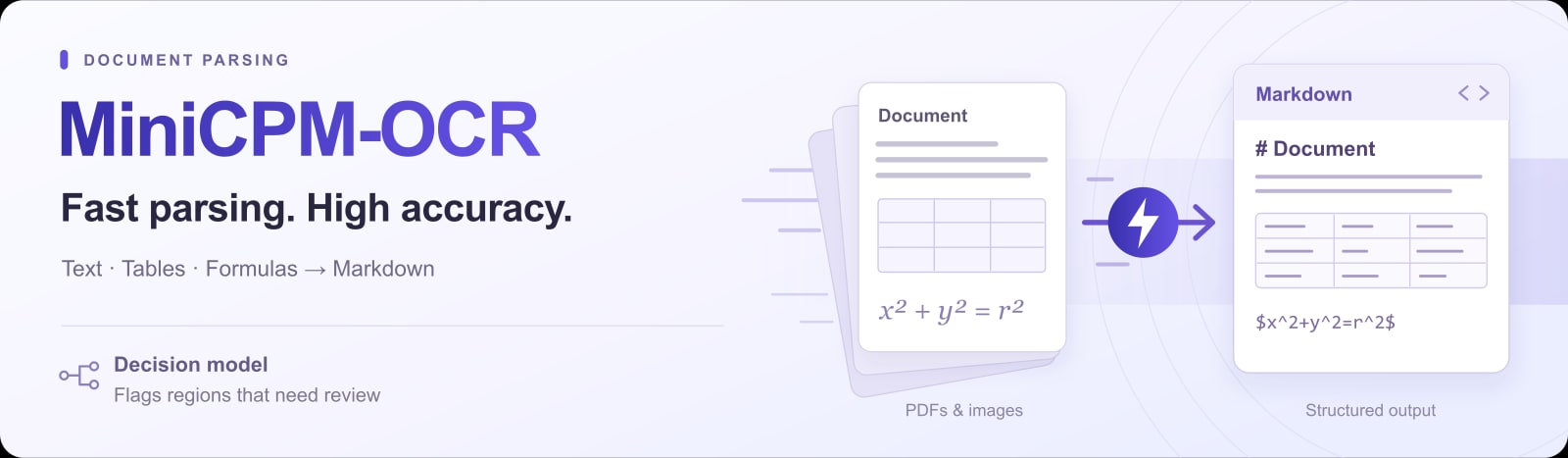
OpenBMB's official MiniCPM-OCR release illustration shows documents flowing into structured text. Apache 2.0. Rasterized and resized by Telli.sh. Original illustration

The update makes it easier to preserve the document boundary
OpenBMB's November 9 release notes say version 1.0.5 returns one result per input file when given several inputs. Its --split-images option makes standalone images separate documents. Those two details matter when an office has a mix of multipage PDFs and camera photos. An invoice already assembled into one PDF should normally stay together. Two unrelated photographs should remain two distinct records. MiniCPM-OCR 1.0.5 package and release notes
For a small evaluation, prepare one document of each type. A clean PDF can establish the expected reading order. A photographed sheet can show whether a fold, rotation or glare causes a bad segment. A dense table can show what happens when two columns share similar values. If the archive contains two photographed pages of the same record, decide how to group them before feeding them to the parser. The original grouping belongs to the document, while the command receives files.
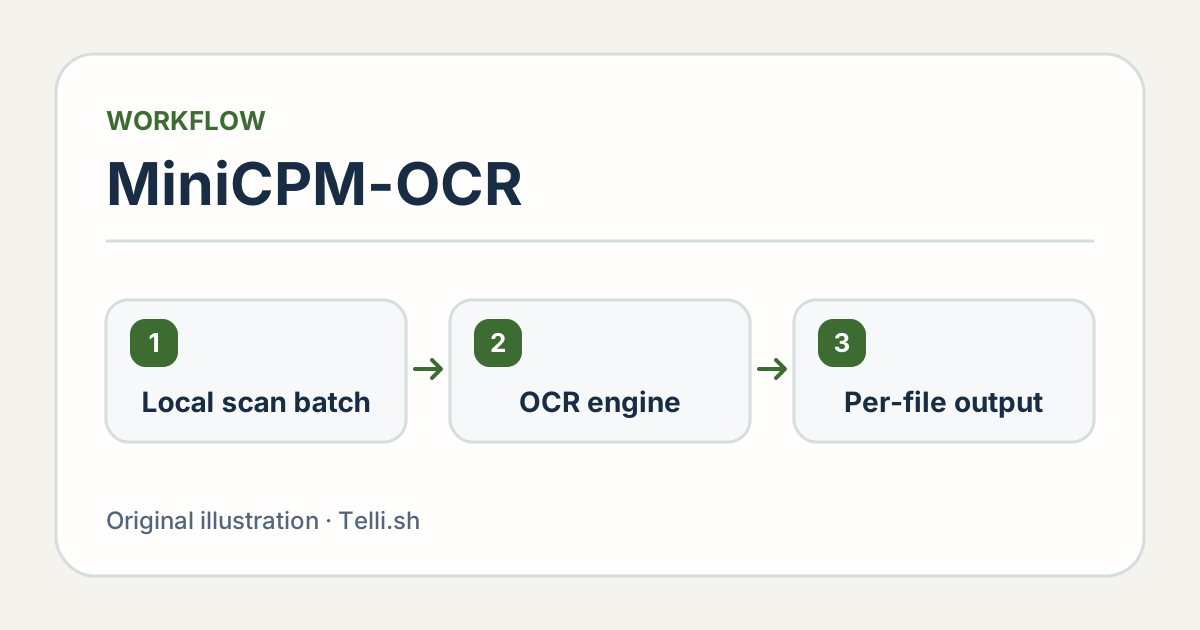
An example batch uses one stable document identity for each input and retains the source through review. Illustration by Telli.sh.
Use an input manifest that identifies the original, page count and expected output. If you use a checksum to detect accidental changes, generate it from the original before running the batch. Put extraction outputs in a separate destination so a later attempt cannot overwrite the only source. If two folders happen to include a file called invoice.pdf, a stable identifier keeps the pairings clear even when the filename alone is ambiguous.
Start with a format the next process can read. OpenBMB's SDK assembles outputs as Markdown or JSON, depending on how the caller configures it. Markdown is convenient for a person reading a draft. Structured output can help a downstream process handle the regions a parser returns. Either still needs a check against the image when a number or field will be used in a decision. OpenBMB parsing pipeline
A local setup has a layout stage and a recognition stage
OpenBMB documents two parts to desktop full-page parsing. The SDK runs a layout model to locate and order text, tables, formulas and other regions. It sends cropped regions over HTTP to a recognition service, then assembles the responses in reading order. You can run both parts on hardware you control. The recognition service is a separate environment, and the SDK can also point to a service elsewhere. OpenBMB full-page parsing and local deployment guide
That boundary matters when a document contains private information. The meaningful question is where the layout stage sends the cropped regions. A local SDK configured to call a hosted service can still send document content over the network. A local setup should point to the intended service and use the organization's approved storage and logging policy. Running a public demo with a synthetic example can establish what the interface is like without sending a real customer document.
On November 5, OpenBMB published a Docker image that bundles the SDK, vLLM and the model. Its documented setup requires Linux x86-64, an NVIDIA GPU, a driver compatible with CUDA 12.9 and Docker with the NVIDIA Container Toolkit. OpenBMB also documents backends including llama.cpp and Ollama for the recognition service. The size of the model alone does not establish whether a given machine can comfortably run the whole pipeline. Check the layout component, the model format, memory and throughput on the target machine. OpenBMB deployment requirements
There is also a mobile route for individual documents. OpenBMB announced offline parsing on iOS on November 2. A November 12 project update extended the on-device demo to Android and HarmonyOS. Treat those mobile demos and the desktop batch SDK as separate ways to use the model. Choose the one that fits where the files are and how you plan to inspect the results. OpenBMB mobile release history
Check the fields that can be wrong without looking wrong
Imagine one invoice contains a line for 10 units priced at 38.50. The extracted table shows 38.50 in the quantity column and 10 in the unit price column. A system that merely checks whether both numbers appear in the result can pass it. To someone using the result, the association between the values and the columns is the information that matters. Compare the row, headers and totals together.
The risk looks different in an archive for search. A typo in a descriptive note may be acceptable if staff can find the original. A mistake in a purchase order number can send someone to the wrong document. Define which fields need an exact match and check them against the original. If a page includes a code, preserve leading zeroes during inspection. A numeric display or spreadsheet import can strip them even when the parser read the field correctly.
| Document example | Check the original against | Decide before downstream use |
|---|---|---|
| Invoices | Vendor ID, invoice number, currency, totals and their column headers | Which fields require an exact match |
| Multicolumn report | Heading, column order, and captions next to figures | Whether the result reads in the correct sequence |
| Rotated or photographed form | Names, checked boxes, seals or entries near a crease | Which pages need manual review or a new scan |
| Multilingual scan | IDs and field text in each language present | Which languages meet the archive's own acceptance criteria |
OpenBMB describes MiniCPM-OCR 1.0 as targeting Chinese and English. Teams working with Korean or mixed-language pages should measure their own recognition accuracy on those pages. A practical test includes a dense document, a clean form, and a camera image for each important language. Record what type of error appears rather than averaging a small set of unlike documents into a single score. OpenBMB model description
A region score helps decide what a reviewer should see first
OpenBMB also publishes MiniCPM-OCR Jev, a separate model for assessing parsed text, formulas and tables against an image region. The project describes the score as a way to find regions that may need review. In a batch, you can consider it a sorting signal and still compare high-consequence fields to the original. Establish how well it ranks the errors you care about before using a score to direct the review queue. OpenBMB explanation of MiniCPM-OCR Jev
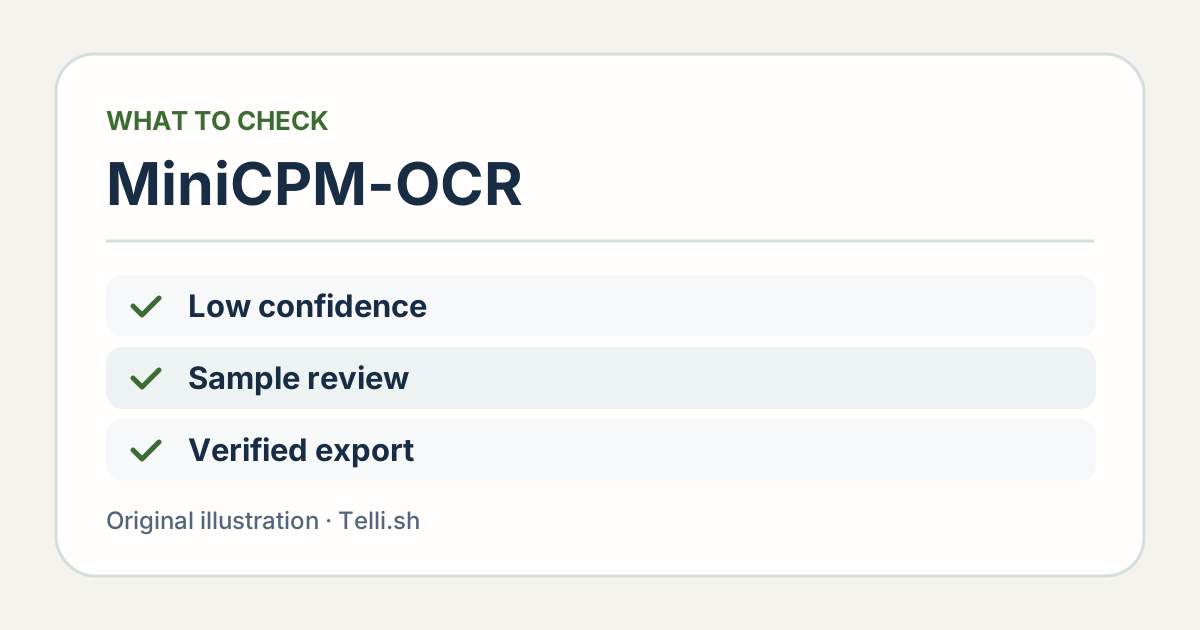
Optional region scoring helps prioritize review. Fields that drive payments, identifiers or other decisions can still require direct checking. Illustration by Telli.sh.
To see where a score helps, prepare a small reference set with a few mistakes the team already knows how to recognize. A missing character in a part number, an incorrectly aligned row and a sentence from a clear page exercise different failure modes. Include a few correct regions as well. Examine cases where the model gives a high score to an error or a low score to a correct result. Those are the examples to discuss before a threshold becomes part of the workflow.
Keep disagreement visible. If a reviewer corrects a total, preserve the original OCR output and record the change against the source document. That record lets the team check whether errors cluster around one document type or one capture method. It also helps the next person distinguish a human correction from what the model first returned.
The time a person spends checking can decide whether this batch approach scales. Capture the time to resolve a problem and the kinds of pages that need a second look. A local tool may save time across clean documents while giving poor scans a longer review queue. If the same paper form repeatedly fails, improving how it is scanned can be a better next step than adding another model.
Use a small batch that could fail in several different ways
- Collect cleared sample documents. Include a clean scan, a rotated photo and a multipage table, with representative language and layout. Keep each original under a stable identifier.
- Choose an approved local path. For desktop batches, follow OpenBMB's local deployment guide and verify the endpoint used by the recognition service. Check the hardware and environment requirements before loading your files. Official local deployment guide
- Run the SDK and retain per-file results. Record the SDK version, model or quantization, backend and output format. Select the image grouping behavior deliberately and preserve the source for every output. SDK 1.0.5 instructions
- Review for the job the archive will do. Inspect reading order for search and extraction-critical fields for downstream use. Record which documents were accepted, corrected or rejected and why.
- Repeat with a small fresh set. Use the same acceptance rules. Compare time through review and traceability, and resolve the document types that still require manual handling before increasing the volume.
Keep the use case within reach. An assistant that helps people search scanned meeting papers does not need the same field guarantees as a tool that fills in an invoice payment form. Start with search or another reversible workflow if that is where the immediate need is. The pilot can show which kinds of extraction later warrant stronger checks.
Give the archive a simple way to show what it has indexed. If a search result displays only the machine-generated text, a user may treat a plausible result as authoritative. Display the source filename or document ID next to the hit and make the matching page easy to find. Where the extraction has a review status, show it with the result. The people using the archive can then tell when they need to read the original.
There is a useful recovery test for a batch of documents that shares an output directory. Imagine one file fails and you rerun only that file with a different configuration. Verify that the other results remain present, and that the manifest identifies which output came from the second run. The check does not require automated reprocessing. It tests whether someone can improve one result without losing the record of what the other files produced.
A batch is useful when every result can lead back to the page
MiniCPM-OCR's SDK update removes some of the work of sending each file separately. The rest is an archive decision. Preserve the document boundary, choose where the images are processed, and let the needs of the next workflow determine how much verification each field gets. When someone finds a number in the result next month, they should be able to open the page it came from and see what the parser saw.
Sources
- MiniCPM-OCR SDK 1.0.5 on PyPI, November 9, 2026
- OpenBMB MiniCPM-OCR repository, model cards, rollout dates and deployment guides
- OpenBMB’s public demonstration
- OpenBMB release illustration and license
For a searchable record of the review decisions behind a document archive, Create a Telli.sh account.