Mercury 3 promises faster answers. Will your AI task finish sooner?
Inception's new diffusion language model targets interactive work. Here is where its speed can matter, how to compare complete tasks, and why launch pricing needs a separate column.
A customer asks whether an order can be changed before it ships. The assistant finds the order, reads the policy, checks the warehouse status and prepares an answer. Each step looks small. Together, the waits can make a simple exchange feel like a slow connection to a very busy person.
Inception launched Mercury 3 on October 19, aiming its newest diffusion language model at applications where those pauses accumulate. The company reports 1,068 output tokens per second on NVIDIA GPUs, alongside a 1 million-token context window. Those are vendor specifications, rather than a guarantee for a complete customer interaction. Inception's announcement.
The interesting question is what a faster model lets you change. A tutor can give a hint while a learner is still working. A support agent can check an exception before answering. A browser assistant can complete another useful step within the same waiting time. This is a guide to those possibilities, the costs behind them and a practical way to evaluate whether Mercury 3 improves the task you actually have.
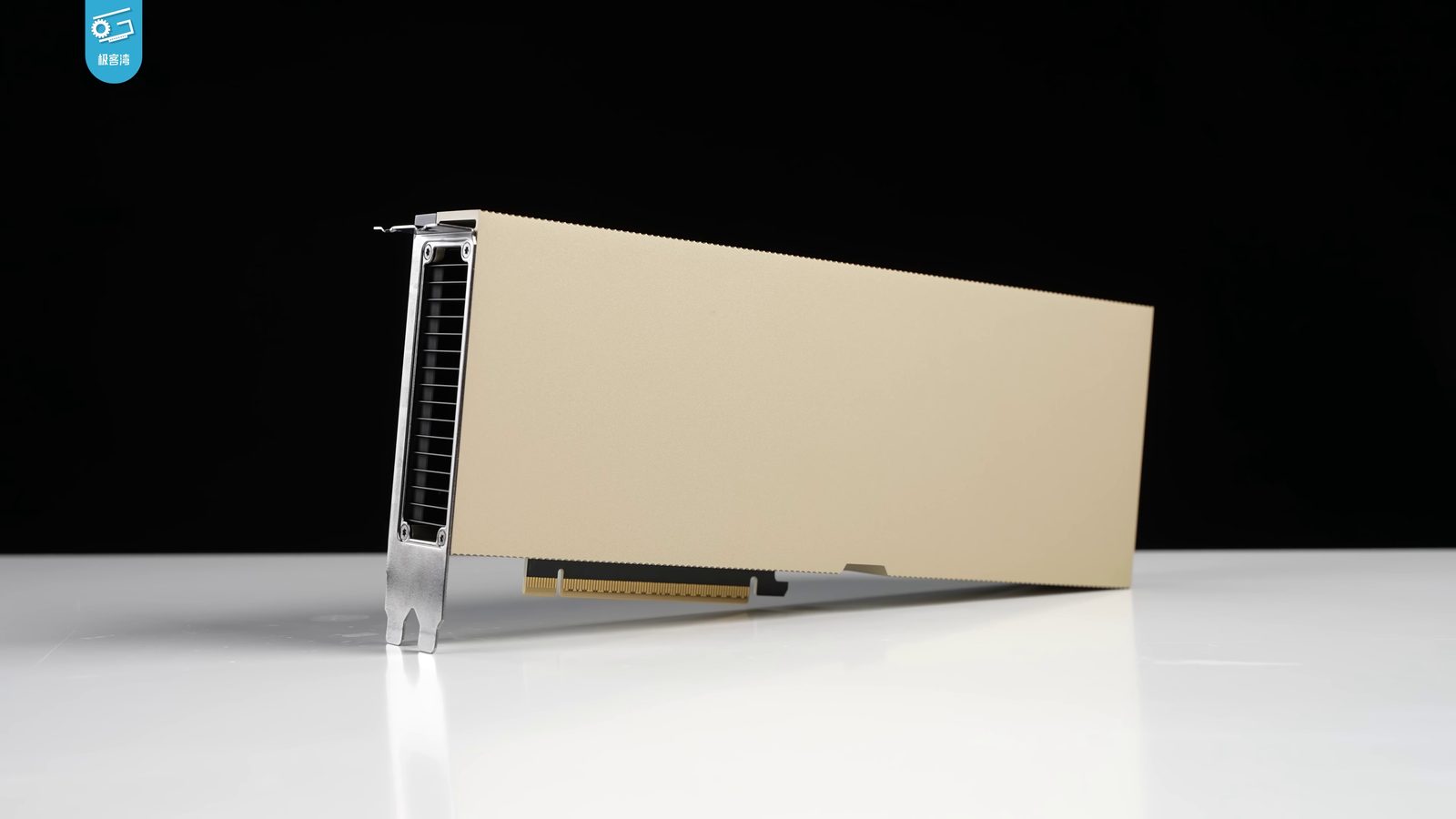
NVIDIA H100 hardware, shown as context for GPU inference. Photo: 极客湾Geekerwan, Wikimedia Commons source, CC BY 3.0; resized and converted to JPEG, creator watermark retained. This is not Inception infrastructure or our benchmark, and does not identify the hardware used for Mercury 3's reported result.
_014.png)
Diffusion gives Inception a different route to faster text
Inception is an AI research and product company selling language models through hosted services. Its Mercury family uses diffusion, an approach that refines text across multiple positions rather than relying entirely on a left-to-right sequence. The researchers' Mercury paper, submitted June 17, 2025, describes the earlier family's method and evaluation. It provides background for the approach, rather than a benchmark report for Mercury 3.
The reader-facing implication is straightforward: the order in which a model computes text can affect how quickly an application gets a useful answer. That does not make every response instant, or make difficult questions require no reasoning. It changes one part of the work involved in producing the answer. The rest of the application still has to obtain information, decide what to do with it and present something a person can use.
Think of latency as a waiting budget. A developer can spend it on generating a longer explanation, checking one more source, or returning a shorter answer sooner. A faster model creates room inside that budget. Whether the room benefits the user depends on how the application spends it.
This matters most when a model is called repeatedly. An assistant that needs one short reply offers relatively few opportunities to recover time. An agent that alternates between reading, choosing an action and inspecting the result can pay the model's delay many times. Saving time at a repeated stage can change the experience even when no single response feels dramatic.
Tokens per second measures only one stretch of the journey
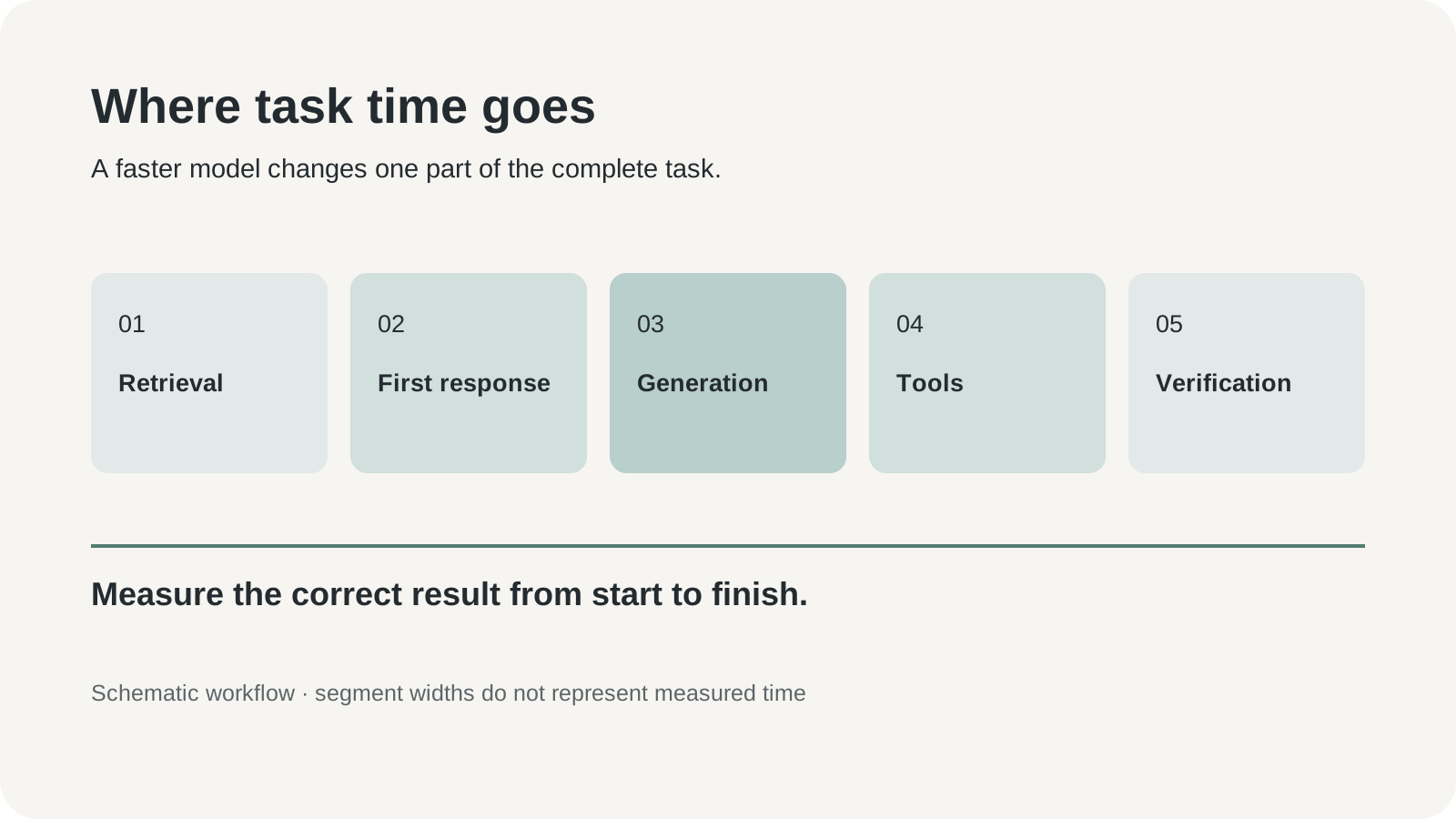
Original editorial infographic: stages that can contribute to task completion time. Segment sizes are schematic, with no measured durations.
There are several clocks inside an AI feature. Time to first response describes how long the interface appears to wait before something useful happens. Output throughput describes how quickly generated text arrives. Tool latency covers the search, database or external service the application contacts. Task completion time includes the steps needed to produce a correct result, including retries and corrections.
These clocks can point in different directions. A system may stream its first words immediately and take a long time to finish a complicated request. Another may wait before returning a compact answer that needs no correction. A third may generate quickly and spend most of the interaction waiting for an order system. The figure that matters to a user depends on the job.
| Measurement | What it tells a builder | What it leaves unanswered |
|---|---|---|
| First useful response | Whether the interface acknowledges or advances the request promptly | Whether the final result will be correct |
| Output tokens per second | How quickly text is produced during generation | Search time, service queues and tool delays |
| Complete-task time | How long a correct result takes | Which component caused a slowdown |
| Time including corrections | The practical cost of reaching an acceptable result | Whether a different task would behave similarly |
Our take: a fast model earns its place by removing time from the user's work. A shorter generation phase is valuable when it shortens that work or makes a necessary check affordable. It is less valuable when the application uses the saving to produce more text than anyone needs.
Keep the benchmark question concrete. Ask whether the task got faster at the same acceptance standard. Then ask which stage changed. This makes it easier to distinguish a model improvement from a shorter prompt, warmer cache or faster external service.
A support assistant can spend the saving on a better answer
Consider an illustrative retail support workflow. A customer wants to change a delivery address after placing an order. The assistant needs the order's status, the policy for address changes and the customer's corrected details. Its useful output is an accurate next step: make an allowed change through an authorized tool, or explain why a person must intervene.
Speed helps at several points. A quick clarification can prevent the customer from abandoning the conversation. A fast policy-reading step can leave time to check the exception for an order already being packed. A concise final answer can confirm what changed and what remains pending. None of these improvements requires the assistant to write a longer message.
The evaluation should include ordinary friction. Give the assistant a customer who corrects a postcode, an order that has already shipped and a policy document with a narrow exception. Measure whether it uses the current value rather than the first value it saw. Keep permission to make a change separate from the ability to describe one.
The failure to avoid is a fast, confident answer that creates more work. If the customer must contact support again to correct the result, the original response was only superficially efficient. Record the follow-up and human handoff alongside the initial speed. That is how an attractive model statistic becomes a useful operational decision.
A tutor benefits when feedback arrives before attention moves on
A second illustrative use case is a learning app that responds to short answers. A learner submits a sentence in a new language or the intermediate step of an algebra exercise. The app must identify the relevant mistake and offer an appropriate next move. A quick response can keep the learner engaged with the same question.
The answer does not always need to be complete. A small hint may be better than a fully worked solution. The evaluation should distinguish correct feedback from excessive assistance: did the app identify the mistake, preserve the opportunity to learn and use language suitable for the learner? A fast explanation at the wrong level still interrupts the lesson.
Build a sample with multiple acceptable answers and deliberately ambiguous ones. Ask for one hint before a full explanation. Include a learner who changes their answer, and check that the app responds to the revision. These cases reveal whether the model follows the educational interaction rather than simply producing an answer key.
For a voice tutor, the text model is one component. Speech recognition, turn handling and speech generation add their own time and errors. Test the complete spoken interaction before translating text throughput into a claim about conversational responsiveness. A fast text stage can create useful headroom while the audio stages still determine how natural the exchange feels.
Browser agents need a clock and a stopping rule
A third case is an assistant comparing a supplier's current terms across public pages. It reads a page, decides which link matters, extracts a condition and checks another source. Faster model calls can reduce repeated waiting. They can also tempt the agent to keep browsing because another step is inexpensive.
Define completion before measuring speed. For example, the task ends when the assistant has a dated price, a service limitation and a source link for each candidate. It should stop when those requirements are met, or report a missing item after a bounded search. The usefulness of another call depends on whether it resolves a named uncertainty.
A browser task also needs action boundaries. Reading public information is different from submitting a form, changing an account or buying a product. A model swap should preserve the application's existing permissions and confirmation points. Faster execution makes a mistaken action happen sooner; it does not make the action more appropriate.
Compare successful tasks and unsuccessful tasks separately. If one model stops early and another explores longer, a single average can obscure the difference. Keep the number of steps, tool failures and missing evidence next to the completion time. The result should explain how the task ended, rather than just how long the process ran.
The price table needs a column for after the promotion
As checked on October 23, Inception's model page lists Mercury 3 at $0.20 per million input tokens and $0.70 per million output tokens, with a launch discount reducing those rates to $0.10 and $0.35. Cached input has separate rates. The promotion's end date is not stated on that page, so a budget should retain the list-price case.
| Direct API token category | Listed rate per 1 million tokens | Launch rate per 1 million tokens |
|---|---|---|
| Input | $0.20 | $0.10 |
| Cached input | $0.02 | $0.01 |
| Output | $0.70 | $0.35 |
For an illustrative workload of 100 million uncached input tokens and 20 million output tokens, the arithmetic is $34 at the listed rates and $17 at the launch rates. This example assumes those exact token volumes and excludes other services. It is a way to compare the two price regimes, rather than an estimate of what a real support operation will spend.
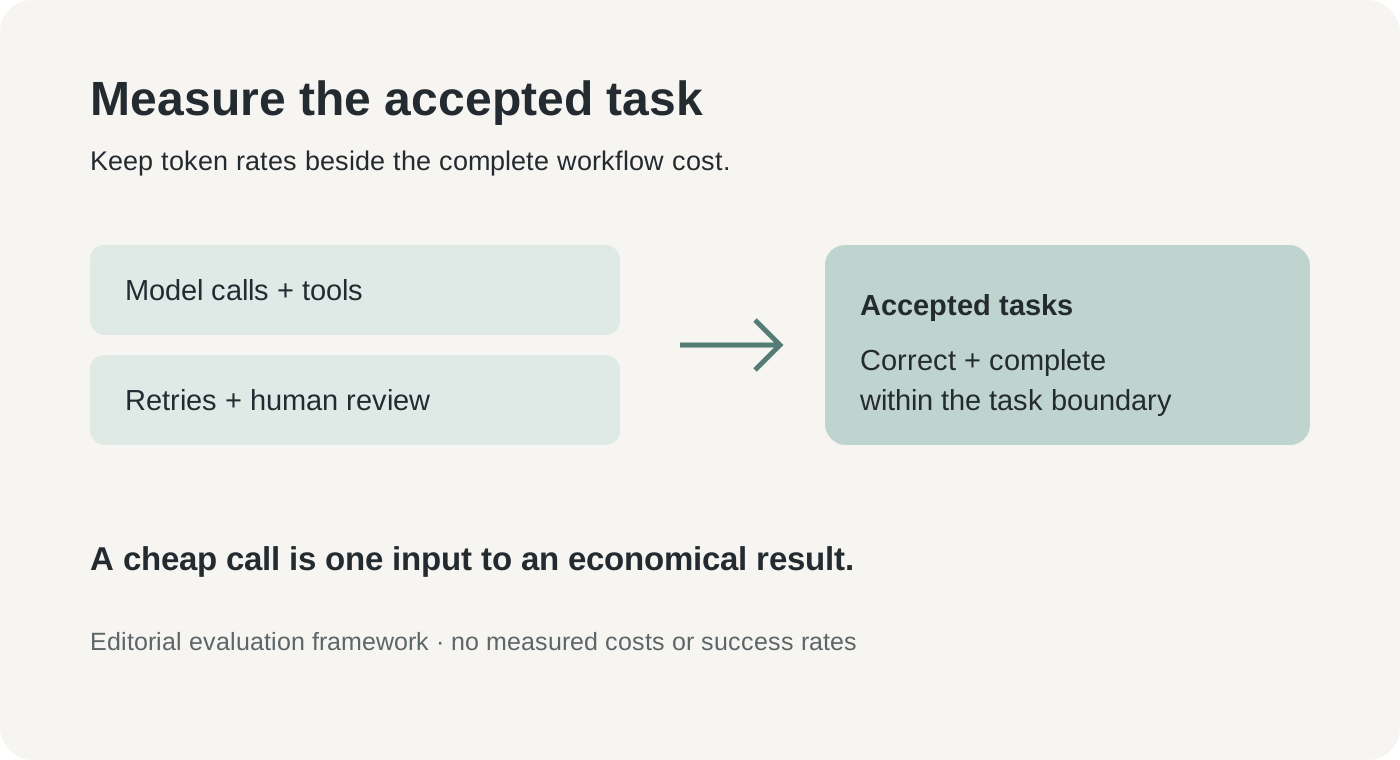
Original editorial evaluation framework. Compare the total resources used with the number of accepted tasks; no measured product costs or success rates are shown.
An inexpensive call can still belong to an expensive workflow. Retrieval, browser services, speech processing, human review and repeated attempts can change the total. Conversely, a more expensive individual call can be economical if it avoids several failed attempts. Track cost per accepted task as well as token prices.
Caching needs the same discipline. Do not assume every repeated document qualifies for the cached rate. Record what the chosen provider actually bills and use the documented conditions for that route. A model offered through multiple platforms can also arrive with different operational terms, limits or prices. Keep the serving route in the comparison record.
Begin with a small replay, then change one component
Inception's quick start, checked October 23, identifies the model as mercury-3 and documents its SDK and compatible chat-completions endpoint. That gives an existing application a practical integration path. Compatibility makes the first request easier; prompt behavior and workflow reliability still deserve their own checks.
- Choose one reversible task. Start with a draft reply or a feedback suggestion that a person can inspect. Collect a small permitted sample with an explicit acceptance rule for each case.
- Save a baseline. Record the current model, prompts, input sizes, output limits and tool results. Keep the accepted output and elapsed time for each case.
- Create an Inception account and API key. Store the key in an environment variable or your existing secret manager. Check the current billing and usage controls before running a batch.
- Run the documented request with
mercury-3. Hold the task and acceptance criteria constant. Log the settings, including reasoning effort and output limit, so the comparison can be repeated. - Inspect failures before widening traffic. Check incorrect facts, missing conditions, schema errors and unnecessary calls. Repeat representative cases to understand variability.
- Pilot with a rollback path. Keep the previous provider available, set a usage cap and monitor accepted-task time and cost under normal traffic.
For a minimal Python starting point, the official SDK example can be adapted to a non-sensitive test prompt:
from inceptionai import Inception

client = Inception()  # reads INCEPTION_API_KEY
response = client.chat.completions.create(
    model="mercury-3",
    messages=[{"role": "user", "content": "Give one hint for solving 3x + 4 = 19."}],
    reasoning_effort="medium",
    temperature=0.75,
    max_completion_tokens=512,
)
print(response.choices[0].message.content)
The useful next artifact is a comparison sheet with correct results and failure cases. A successful sample request establishes connectivity. It does not establish that every setting, tool schema or prompt from an existing application behaves identically.
Quality and data controls belong beside speed
Inception's launch comparisons are encouraging for its target category, but broad model ability and workload fit are different questions. The independent evaluator Vals AI's Mercury 3 page, checked October 23, reports results across several tasks with its own settings. Its scores should be interpreted within those benchmark definitions, rather than combined with a vendor throughput figure into a single universal ranking.
The more useful habit is to inspect a model's unevenness. A model can be excellent at short structured responses and weaker at a specialized task your application considers routine. Put the application's difficult cases in the pilot early. A collection consisting only of successful examples tells you little about where people will need help.
Data handling also varies with the service and agreement. Inception's terms describe a model-training opt-out in account settings, while its enterprise page offers configurable retention and deployment controls. Review the applicable route and contract before submitting customer material. Use synthetic or properly authorized examples for the first comparison.
For existing users there is a practical date to retain: the model page says customers with Mercury 2 or 2.5 usage before October 19 keep access until November 15, 2026, with enterprise support governed by agreements. Migration deserves a scheduled replay and a rollback plan. An older prompt's familiarity is no substitute for checking it against the new model.
Faster generation should buy a more useful next step
Mercury 3 makes the case for treating inference speed as a design choice. The opportunity is to use the recovered time for a correction, a source check or feedback that arrives while it still helps. The concern is that a faster system can also generate more unreviewed work. The next meaningful evidence will be dependable performance on the complete tasks people ask it to finish.
A good pilot ends with a specific answer: this workflow became quicker at the same standard, or it did not. That is a smaller claim than declaring one model fastest at everything. It is also the claim a team can use to ship a better experience.
Sources
- Inception's Mercury 3 announcement, October 19, 2026; speed and context are vendor specifications.
- Issuer launch release, October 19, 2026.
- Inception models, prices and migration notice, checked October 23, 2026.
- Inception API quick start, checked October 23, 2026.
- Mercury research paper, submitted June 17, 2025; earlier model-family background.
- Vals AI Mercury 3 benchmark page, checked October 23, 2026.
- Inception terms and enterprise controls, checked October 23, 2026.
Keep the comparison available for review
If you want a separate place to retain authorized source material and the notes behind a model decision, Telli.sh is one option. Start with a note.