Can you stop a GPU notebook and come back to the same experiment?
Google’s self-hosted GKE Workspaces combines persistent files, resumable accelerator sessions and a browser IDE. Each layer carries a different cost.
It is 6 p.m. A notebook has finally loaded a model and produced results worth examining. If you stop the session, you may spend part of tomorrow rebuilding the environment and loading the model again. If you leave it running, a scarce accelerator may sit idle overnight.
Google announced GKE Workspaces on November 4. The open-source development environment runs in a team’s Google Kubernetes Engine cluster, where a browser dashboard can launch JupyterLab or VS Code with configured resources. The project builds on Kubeflow Workspaces and documents how to pause and resume supported sessions. The question for a team is which kind of state it needs tomorrow and what must stay allocated to keep it.
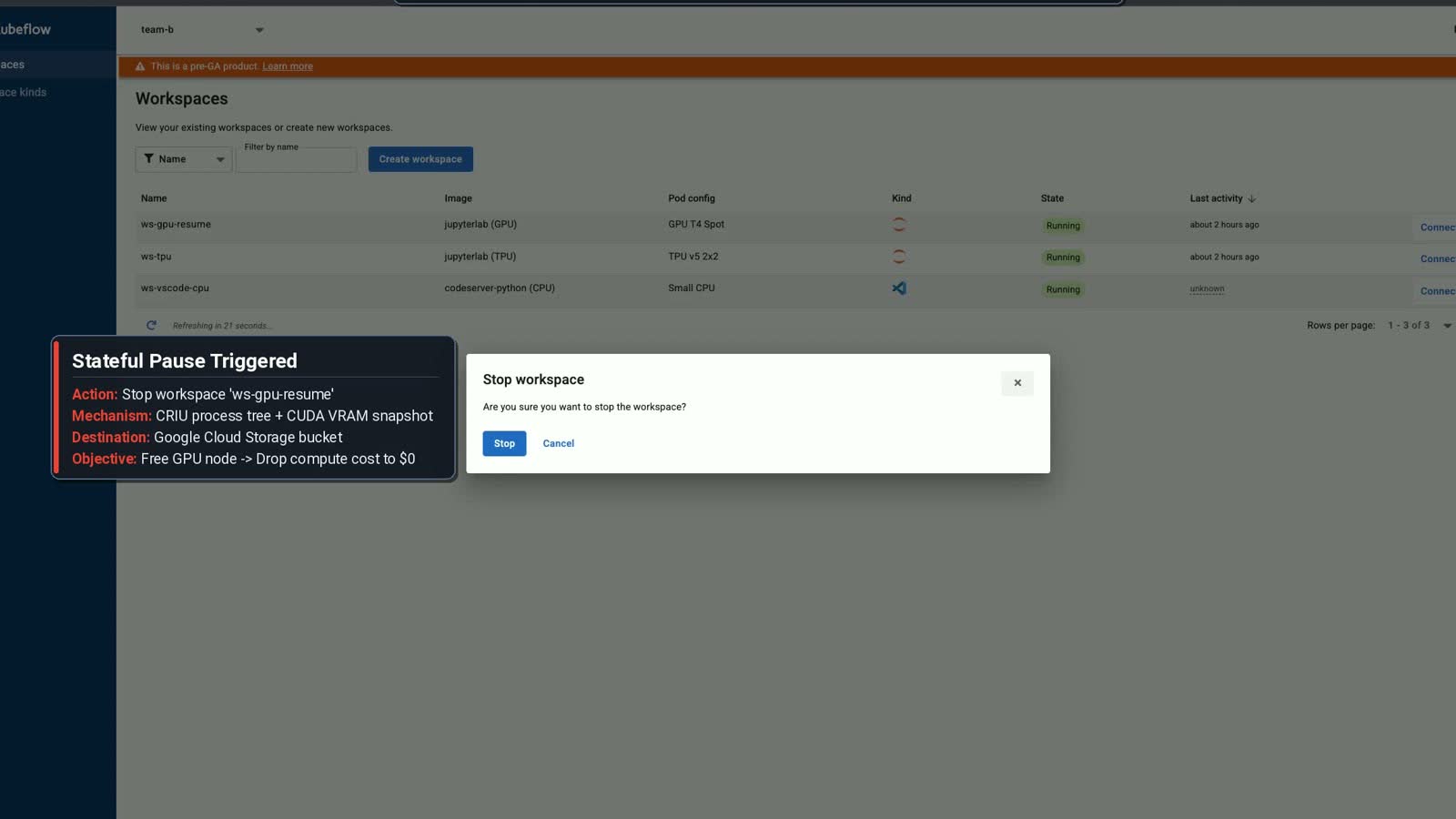
Cropped still from the GKE Workspaces resumable-notebook demo, Apache 2.0. Image source · License.
A notebook file and a live session preserve different things
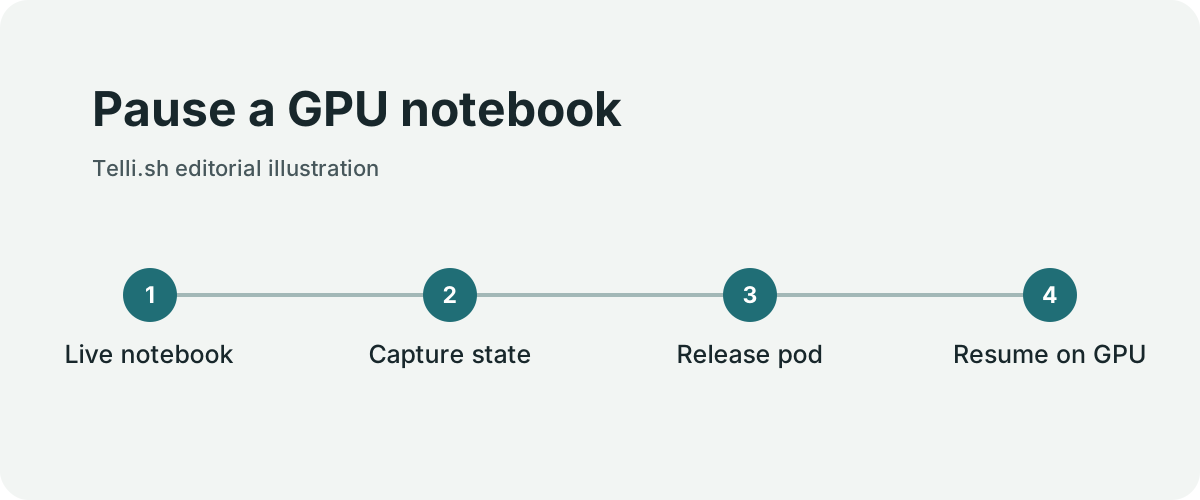
Pause a GPU notebook. Original illustration by Telli.sh.
Saving a notebook gives you the cells you wrote and whatever outputs have been saved. A disk can keep datasets and checkpoints available to a fresh process. Neither automatically captures everything in a live session. An experiment can have initialized variables, a model on an accelerator and intermediate state that would take time to recreate.
Google describes using GKE Pod Snapshots to preserve supported running workspace state while releasing compute. Workspace files remain on persistent storage. On resume, compatible capacity and the snapshot must be available. That makes a pause closer to resuming an experiment than reopening a saved file, with practical constraints around the underlying environment.
| Layer | Example | Planning question |
|---|---|---|
| Persistent files | Notebook, cached weights, results and dependencies | Will these files survive a clean restart? |
| Application checkpoint | A training checkpoint or saved run state | Can the job resume independently of the old process? |
| Workspace snapshot | Live process or supported accelerator state | Does this hardware and environment support restoring it? |
| Cluster capacity | A node, accelerator quota or reservation | Will compute actually be released and available later? |
Reproducibility and convenience improve different parts of a workflow. A snapshot helps the person who wants to pick up a session soon. A reproducible notebook and an application checkpoint make the work easier for someone else to rerun or move to another environment. Keep both where the experiment is important.
A research team might pause a GPU session between meetings and still commit the code and save its model artifacts to a durable location. If a snapshot later fails to restore, the team has a clear alternative. A long-running training job can likewise save checkpoints on a schedule even if the workspace used to start it supports pausing.
A stopped workspace still has a cost
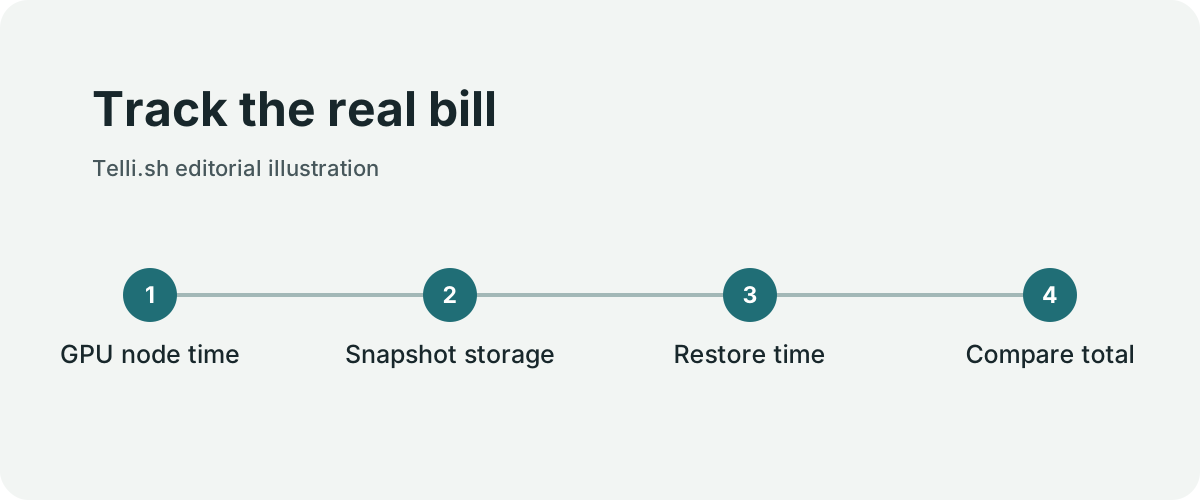
Track the real bill. Original illustration by Telli.sh.
The immediate economic benefit is avoiding the use of compute while nobody is working. The actual bill depends on what the cluster does after the session stops. A node may continue running because other pods use it. A reservation can still have a cost or commitment. Persistent disks and stored snapshots remain part of the system.
Start with a hypothetical example. If a researcher leaves an otherwise idle accelerator allocated for 12 hours after work, pausing gives the platform a chance to free those 12 accelerator hours. That is a capacity opportunity. The financial result depends on how the node and accelerator are provisioned and billed. If the node must remain online for another job, the change may help scheduling more than the immediate invoice.
A fair comparison also considers time. Saving a snapshot takes resources, restoring a large state takes time and the desired accelerator may not be immediately available. On a heavily used cluster, being able to give the device to another person can matter even if the team has already committed to a pool of capacity.
Record the end of active work, the time the workspace stops and the time the node becomes available. Then measure when a user who resumes can execute the next cell. These moments tell the platform team whether a pause policy gives back meaningful capacity without turning the start of the next workday into a queue.
The platform team still owns the workspace contract
Self-service changes who clicks the button. Administrators still determine which images users can launch, which accelerators they can request and how the cluster handles quotas and isolation. The GKE Workspaces repository identifies the project as Apache 2.0 code and says it is not an officially supported Google product. Treat the installation and its operation as an engineering responsibility when evaluating it for a team.
An ML engineer might need a familiar IDE, enough memory and access to an experiment dataset. The platform owner will also think about default identities, storage permissions, how workloads are stopped and which images can receive updates. These needs are compatible if the workspace types make the trade-offs visible. A small CPU notebook and a GPU experimentation session can start from different defaults.
The release also describes accelerator options and connections for local tools or agents. Look at the setup instructions for your cluster and use case before treating any of them as interchangeable. Hardware-specific restore, cross-cluster access and a local development connection each have their own prerequisites. Start with the simpler case, where a team member can inspect the workspace and confirm which cluster is running it.
Run one pause and recovery trial
- Read the project’s deployment guide and your GKE environment’s current requirements for snapshots and accelerators. Set up a test workspace with permissions and resource limits that reflect the proposed workflow.
- Launch a reproducible notebook. Save its input, an intermediate application checkpoint and a small result file. Record the time and resource allocation before pausing.
- Pause the workspace and inspect the cluster’s resource state. Check whether the pod has stopped, whether the accelerator becomes schedulable and what storage remains.
- Resume the workspace. Confirm the expected files and live state, and run one cell that exercises the loaded model. Measure the time from the resume request to a usable notebook.
- Try the same recovery from the saved files and application checkpoint. This gives you an alternative and a useful comparison if snapshot restoration is slow or unavailable.
- Review idle settings with the team. Decide what counts as inactivity and whether long-running jobs need a separate workspace type or explicit handling.
Do a restore test with a quota limit or busy cluster too. A tidy demonstration on an empty cluster can conceal the inconvenience of obtaining capacity when several users return at once. The point of the trial is to learn how the system behaves when the resource is scarce.
Calculate where the GPU time goes
Picture a single developer workstation used for 40 hours in a week. A machine kept allocated all week has 168 elapsed hours. If the platform can release the GPU node whenever work stops and restore it only during those 40 hours, 128 hours are no longer spent on an allocated node before counting snapshot and restore overhead. This is an example, with no assumed cloud price or utilization pattern. It describes an upper bound for that allocation pattern, because a shared node can still be doing useful work during the same period.
A team can make the comparison more realistic with a baseline from its own GPU pool. For each test interval, record node hours, whether another job occupied the node, and the amount of stored workspace data. Also note the time from requesting a resume to being able to run the next cell. If the node remains because a second workload is active, the paused notebook may create capacity for that workload without reducing the bill. That is a different, still useful result.
Snapshot time belongs in the calculation. If a pause takes a long time while the old pod remains allocated, an aggressive idle threshold may cause more interruptions without much compute savings. If a resume takes several minutes while the autoscaler acquires a compatible GPU, a developer returning from a short break may spend more time waiting than the policy saves. Measure multiple idle durations rather than assuming every pause is worthwhile.
Choose what to persist before enabling pause
The GKE Workspaces repository describes a stateless VS Code workflow and a separate stateful JupyterLab example. The latter demonstrates restoring a GPU-backed notebook, including an example with a 3B Qwen2.5 model on one T4. Kubernetes pod snapshots and the sample have specific compatibility constraints. Google's GKE documentation explains the role of GKE Sandbox and compatible node and image configuration. For the GPU example, verify that the new node has the same supported GPU model and a compatible environment before relying on restoration.
Decide what your users expect when they see a pause button. Some expect files, outputs and editor state. Others expect the next Python cell to see an object already in RAM or a model held in VRAM. A shared dataset might sit in external object storage and stay outside the snapshot. Write down which of these states the chosen workspace can restore, where ordinary files are persisted and what to do when restoration fails.
A second useful trial is a failure before resume. In a test namespace, make compatible capacity temporarily unavailable and check that the workspace reports a clear state instead of creating multiple competing restores. Check the owner's ability to recover from files or saved outputs when an in-memory process cannot resume. Then remove the test snapshot and check that the corresponding storage and retention rules behave as expected.
Bring the cost view back to the team
A researcher wants their work to resume. The platform team wants scarce GPU capacity to return to a pool. Billing owners want to know whether an allocation actually disappears. One sample can serve all three questions if the trial records idle time, node placement, snapshot size, successful resumes and recovery time separately. Add a support note for the cases that fail and give users a way to tell whether their workspace is paused, queued for capacity or ready.
With that baseline, choose an idle policy by workload class. A long notebook session whose model takes time to load may benefit from preserving memory between shifts. A short experiment that starts from a saved script may only need persistent files and a clean restart. Both can share the same pool without promising the same recovery time.
Put a resume test in the release checklist
A platform upgrade can change the image used to start a workspace or the node pool that supplies GPU capacity. Before enabling the change for a team, create a test notebook on the old configuration and verify what happens to it on the new one. The test should distinguish a successful restore from a new session with the same notebook file open. Read a value that exists only in the live test process, then confirm the files used by that process are still present.
If the upgrade invalidates old snapshots, give users a chance to save critical outputs and describe the fallback. Check cleanup of expired snapshots separately. A restore test proves only that a particular workspace can return; a cleanup test shows how much stale state remains after people stop using it.
Preserve the work that will be hardest to recreate
A workspace becomes more useful when it lets people stop thinking about the lifecycle of the machine and still recover their work. That depends on files, checkpoints, snapshots and capacity being treated as separate concerns. Choose the smallest set of state you need to resume comfortably and make sure the project can still be reproduced without the original session.
If your team can answer what stays on disk, what must be restored and when compute is returned, it can set an idle policy that people will actually use.
Sources
-
Google Open Source Blog’s November 4 announcement and workspace screencast
-
GKE Workspaces source, support status and installation documentation
For a searchable record of the conversations and decisions behind your work, Create a Telli.sh account.