Can Claude turn a whiteboard full of feedback into work someone owns?
Claude Whiteboards and Sheets let teams build and edit shared artifacts. A release retrospective shows where to add owner approval, formula checks, and a dependable handoff.
A release retrospective ends with a whiteboard full of notes. Four people wrote about the review queue. Two described the same approval snag from different sides of the process. The delivery lead asks who will fix it by next Friday. The AI can draft a tidy plan before anyone leaves the call. The important part comes when somebody says yes to doing the work.
On November 10, 2026, Anthropic launched Claude Whiteboards and Claude Sheets in beta on paid Claude plans. Whiteboards gives a team a shared board for collecting and organizing ideas. Sheets gives the team and Claude a spreadsheet they can edit together. Anthropic also made the former Claude Dashboards generally available under the name Claude Data. Its certified queries and live sharing features remain in beta. Anthropic product announcement
The appeal is a shorter route from a messy conversation to something the team can maintain. A retrospective shows how to make that route reliable. Capture the evidence on the board, get people to confirm the proposed actions, and check that the sheet and any downstream system preserve the decisions.
Ask Claude to cluster the observations before it writes the plan
Anthropic says a team can add notes to a Whiteboard together in real time, ask Claude to organize them, and select part of the board to focus an interaction. That gives a facilitator something useful to do while the examples are still fresh. Start with the loose notes and ask for themes that preserve each contributor's meaning. Leave competing explanations visible. A board labeled “Review bottleneck” can hold notes about long waits, late requests and a checklist nobody could find. Those are different observations.
Take an illustrative release retrospective. Two engineers say a review arrived late. A reviewer says the request omitted an owner. A delivery lead says the release changed scope after the request. The group can ask Claude to identify the overlap and draft questions. Before deciding a cause, link each claim to a card or an incident reference. The note with the strongest wording may describe the least representative event. A little friction while grouping evidence can prevent a whole month of fixing the wrong thing.
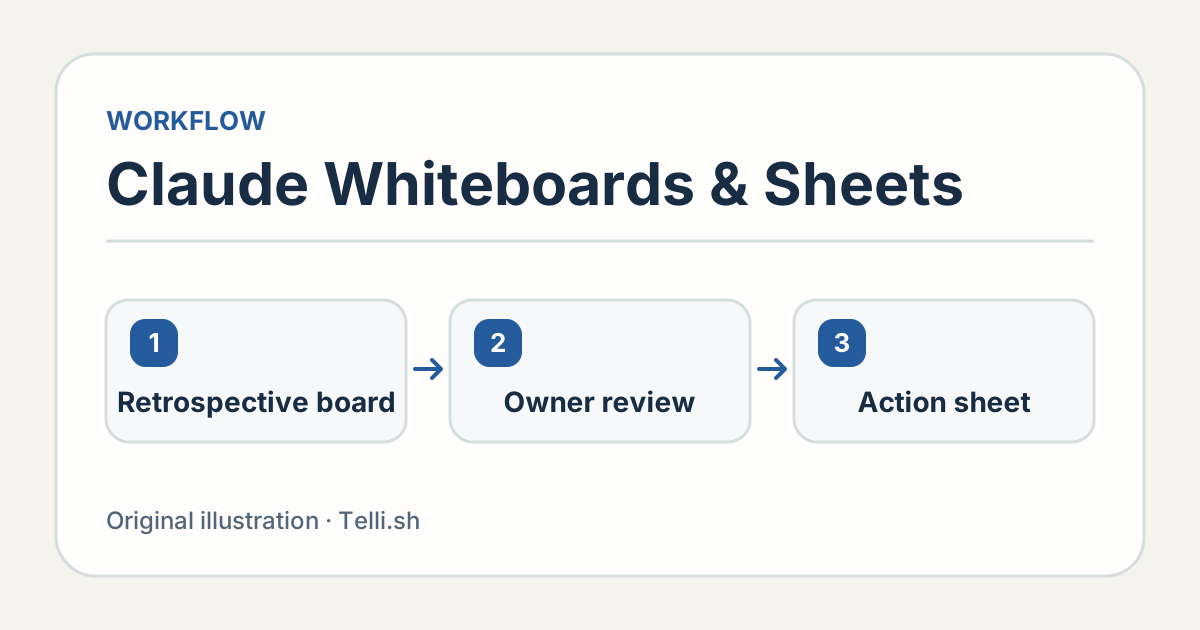
A proposal becomes a commitment when its owner accepts it. Original illustration by Telli.sh.
Give the board a simple distinction between observations and proposals. An observation might be “Reviewer assignment was unclear on two releases.” A proposal might be “Add an explicit owner to the handoff template.” The person facilitating can leave a separate question open about whether the assignment problem came from the template or the routing policy. The difference survives when somebody who missed the meeting opens the board a week later.
Pick a small set of ideas with enough evidence to act on. Ask for the smallest change that would test each idea and agree on a way to evaluate the result. “Make releases smoother” leaves the owner to guess. “Give the release request a named reviewer and check whether the next three requests arrive with one” gives the owner a concrete task and a useful denominator. Treat the three future requests as an initial check, and keep the option to revisit the policy if the cases differ.
A tracker should show which dates are proposals
Anthropic says Claude Sheets can create tabs, formulas, formatting and dropdowns, and can outline edits in cells as they happen. That makes a shared sheet a plausible home for the immediate follow-up. If the team wants to make the sheet its active tracker, agree on the fields first. A short row can record an action ID, a source card, a proposed owner, an accepted owner, a due date, a status and evidence of completion. Some teams can combine fields once everyone understands the distinction.
Keep the suggested owner separate until somebody accepts the assignment. A generated timeline may use the same Friday deadline for two tasks, even though one depends on the other. Have each owner confirm both the work and the date. If people use different time zones, record whether a date means a local working day or a shared deadline. If a due date falls after the next review, make the interim decision clear. A due date feels concrete only when the person reading it can tell what must happen by then.
| Example item | What the board preserves | What the tracker should say |
|---|---|---|
| Name a reviewer on the next release request | Examples where the review had no named owner | Accepted owner, target release, and evidence from its request |
| Test a new handoff checklist | Notes from reviewers and delivery leads | Pilot dates and a link to the checklist version |
| Confirm the reason for a delayed approval | Two competing explanations | Owner for investigation and a review date, with the cause left open |
For the illustrative retrospective, keep the raw comments in the board and maintain the working rows in the sheet. That reduces the number of places a teammate has to edit a deadline. If the company already uses a ticketing system as the source of truth, use the sheet to prepare and review entries, then link to the resulting tickets. Copying a row into a second tool without a durable identifier sets up a later reconciliation problem.
The shift here is from generating prose to editing a work object. That makes a low-friction draft more useful because coworkers can correct it in place. The same speed lets an incorrect status look official. For one pilot cycle, require an owner to confirm any item that moves to committed, and have the facilitator review the few rows that carry a decision into another system. It is easier to inspect five meaningful changes than to re-read the whole sheet after every prompt.
Decide what happens when a row moves to another app
Anthropic announced the expanded interactive connectors on November 10 alongside the new artifacts. The product announcement gives the example of continuing a sheet in tools such as Asana, Airtable or Smartsheet. A connection gives the team another route to the work. Set the destination and review the fields before the first handoff, especially if the target space is visible to people who were outside the retrospective. Anthropic on artifacts and interactive connectors
For example, a proposed release task in the Sheet can have the short ID R-04. Before creating the ticket, map R-04 to the description and check the assignee against the destination account. An internal source-card link may be enough for the assignee. A copied colleague comment may expose unnecessary detail. Keep the confirmed task and the rationale needed to act on it. Decide what belongs in the original discussion space based on who should see it.
Test a repeated handoff on a sandbox item. The second attempt should update or reference the same accepted task under the team's normal rules, or ask for a choice if two plausible destination records exist. Check a task that one editor can access and another cannot. A pilot can use a simple reviewed handoff with the saved destination URL. It earns automation once the team knows which edits can safely cross the boundary without creating duplicate work.
Spreadsheet checks matter even when the rows look right
Consider a progress cell that reads 75 percent complete. In the underlying sample, three of four committed actions may be complete, while two additional rows are ideas that nobody accepted. If the sheet counts all six rows, the fraction changes to 50 percent. Both numbers can arise from correct arithmetic and a different definition. Write the denominator next to the metric. Then test at least one row for each status, including a blank status and an item moved out of scope.
If you ask Claude to add a formula, inspect the cells and range it changed. Check how the formula behaves after someone adds a row. Try a duplicate action ID and a blank due date. Confirm that the logic still treats today as today under the intended timezone. A small set of known inputs, with expected totals written down before the test, is enough for a first pilot.
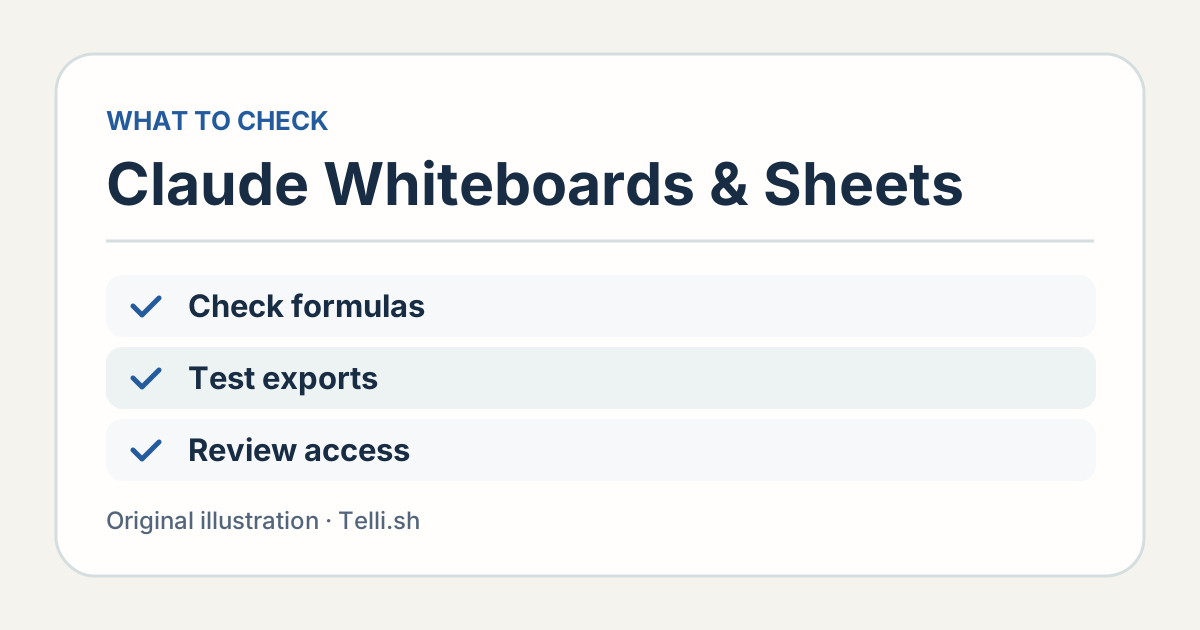
Check the contents after export and reconcile the rows that carry real commitments. Original illustration by Telli.sh.
Anthropic describes Claude Sheets at launch as a simple spreadsheet and offers .xlsx and CSV export. Those formats have different jobs. CSV can carry the rows of a simple table. It has no workbook tabs, cell styling or dropdown validation. Use the workbook format if those features matter, and open the exported workbook in the destination tool to confirm that the sheet, formulas and validation behave as expected. Preserve a small before-and-after example when the destination matters.
If the team needs a reversible audit trail, test that separately. Visible outlines can make recent changes easier to inspect, while a formal change history needs to preserve who changed a value and when. Ask an editor to correct a date and a reviewer to reconstruct the decision later. Anthropic explicitly describes tracked changes and rollback in Claude Data. Keep the spreadsheet workflow tied to what your actual Sheet and its destination expose, and capture approval in the system the team already treats as authoritative. Anthropic artifact capabilities
Add a dashboard when the data has a stable definition
A dashboard helps once people agree on the underlying signal. Suppose a team wants to know whether its new release review reduced the time between request creation and review assignment. Define when that clock starts and ends, which releases are included, and what to do with requests created outside working hours. One number with a clear definition is easier to maintain than six charts with slightly different rules.
Claude Data requires a supported data connector. Anthropic says its certified query beta lets a data team designate definitions that charts can use. In the live sharing beta, viewers can see approved query results without being able to run other queries with the publisher's access. Anthropic also documents dashboard caching and adjustable refresh schedules. A shared result still needs a suitable audience and a clearly visible data date. Claude Data announcement
For a retrospective, start with the decision the team needs next month. A chart of review wait time might be appropriate for the delivery team. Individual comments about why a release went badly belong in a smaller review group. If you publish aggregate results, use a viewer account to check what is visible and see how a late refresh appears. If a spreadsheet is also used to track progress, identify which questions belong to the sheet and which can be answered from operational data.
Try one cycle with a deliberately small sheet
- Collect the original notes, group them on the board, and link claims to specific examples.
- Draft a small set of actions with proposed owners and due dates. Ask the owners to confirm.
- Create the shared Sheet or hand off confirmed rows to the existing tracker. Test one formula and one export.
- Revisit the actions at the next meeting and compare each completed item to its evidence.
Anthropic lists the three tools on web, desktop and mobile and says Team plans have all three enabled by default. On Enterprise plans, the launch announcement says Whiteboards and Sheets are off by default and Claude Data is scheduled to turn on by default on November 19. Admins can manage these in the organization artifact settings. That setup check belongs before a pilot invitation, especially when teammates work under different organization policies. Anthropic getting started
Measure whether the team can reconstruct a decision from the notes, not just how quickly the sheet appeared. The person checking in next week should be able to see the original problem, the accepted next step and the evidence of completion. When those survive the handoff, the board and the sheet have done more than format a meeting.
Sources
- Claude Whiteboards, Sheets, Data and product demo, November 10, 2026
- Anthropic on working with Claude artifacts and connectors, November 10, 2026
To keep meeting decisions and supporting notes in one searchable record, create a Telli.sh account.