Can one camera keep depth steady from frame to frame? Apple’s Depth Pro 2
Apple’s Depth Pro 2 estimates depth in meters from photos and video. See why stable edges matter, how its four models differ, and how to test them on a local clip.
Imagine adding a virtual plant behind a chair in a short phone video. The chair should hide the plant where they overlap, even as the camera moves. A depth map can give an editing tool enough information to make that decision pixel by pixel. If the map smears the chair edge or moves it between frames, the plant can flicker through a leg that looked solid a moment before.
On November 19, 2026 UTC, Apple researchers published a preprint and released inference code and weights for Depth Pro 2. The system estimates dense depth from one camera's images or video, including a live stream. Apple presents it as a way to get sharp boundaries and steadier frame-to-frame depth from the same network. The code and weights are publicly downloadable. Apple distributes the weights for noncommercial scientific research and academic development. Research announcement · Preprint record · Inference repository and license notices
What you get from one camera
Depth Pro 2 predicts a depth value for each visible image pixel. The value in the raw output is measured along the camera's viewing axis. A point near the left edge of a flat wall can have the same depth as a point in its center, even though the straight-line path from the camera to the left point is longer. That matters when you compare a prediction with a reference measurement, or turn a depth image into a point cloud. Apple's output guide
A depth map that only tells you that the chair is closer than the wall is enough for some layered effects. A map expressed in meters lets you pose a more specific question, such as whether a graphic placed at a depth of two meters should sit in front of a chair. An estimate at that scale is still subject to error. The camera sees the visible side of the chair and whatever is visible around it, so an edit that reveals a large hidden region needs additional information to fill it.
The model also needs a focal length to express depth in meters. Apple's tool can use focal information from a photo's metadata or estimate it. For a recorded video where the focal length is unknown, the default is to take a median over the first processing window and apply it to the whole clip. Apple's documentation notes that a focal length set 10% too long scales the depth estimates 10% farther away. A clip with stable-looking predictions can therefore still be wrong at every point by a similar proportion. Inference settings
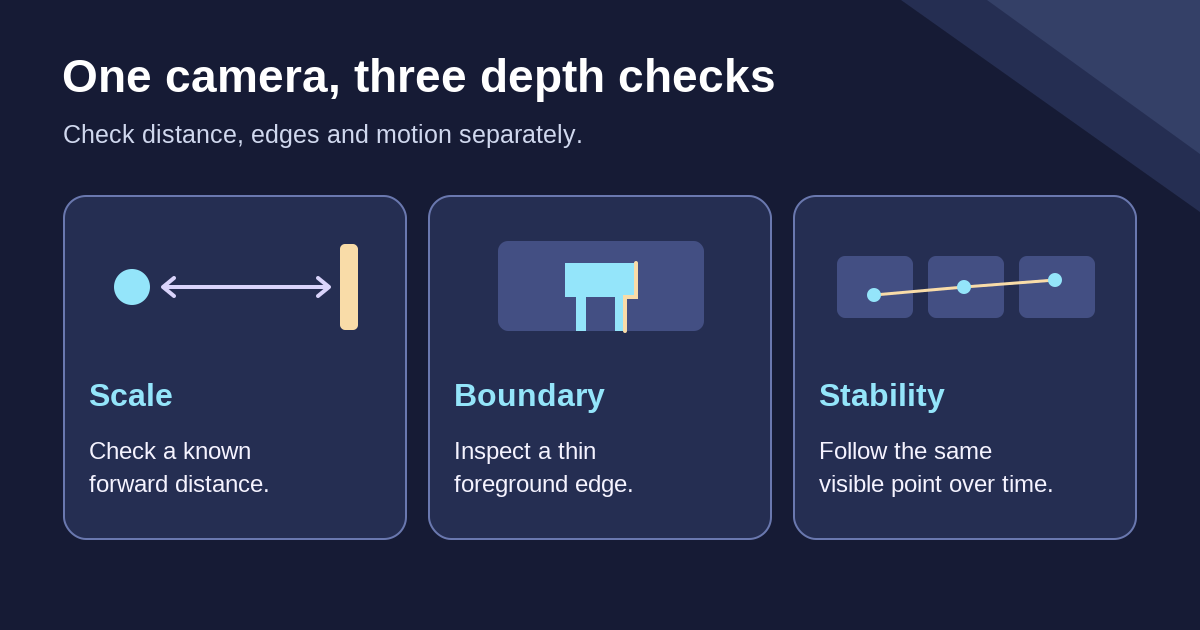
Artwork by Telli.sh. Scale, boundaries and frame-to-frame stability describe different properties of the same depth map.
Why a good still frame can fail in motion
A map can outline a chair crisply in two consecutive frames and still change its estimated depth unexpectedly between them. In a composite that uses depth for layering, the virtual object could appear behind the chair for one frame and in front for the next. A smoother map can avoid some abrupt changes, but if the chair and wall blur into one depth region, a thin leg may disappear in the map altogether.
Depth Pro 2 is designed around that trade-off. Apple based the family on DINOv3 vision backbones. The network has layers that process the current frame and dedicated layers that incorporate information from other frames. Its decoder builds a dense depth prediction. When a recorded clip can be buffered, the default file-processing setup uses 16-frame windows with a four-frame overlap to smooth the meeting points. In unbuffered mode, the current frame can use previous frames, including up to 15 with the default window. Its earliest predictions have less history. Architecture and inference in the paper · Documented defaults
An editor can afford to wait for a clip to process if the result requires less frame-by-frame cleanup. A live webcam application has a different constraint. It must deliver useful depth before the next render deadline, so one should measure frame time and lag on the intended device. Apple's ability to run the network in live mode describes the way inputs arrive. The actual speed depends on model size, frame size, the history window and device. Apple's streaming notes
What the research measured
The paper reports separate evaluations of depth accuracy, boundary sharpness and temporal consistency. Keeping them separate matters. One test follows corresponding surface points across video and looks at jitter along the visible tracks. It allows one affine alignment per video. In that test, the paper lists scaled jitter scores of 1.39 on Sintel and 0.86 on Spring for Depth Pro 2 H+, compared with 11.26 and 8.99 for the original Depth Pro. Lower is better. The results come from Apple's evaluation on those datasets. Paper, Table 5 and Appendix F
Those scores describe consistency after alignment. They do not tell you the number of centimeters by which a chair could be misplaced in your clip. For thin foreground edges, Apple's paper also reports a separate boundary F1 score. For scale, it compares metric depth with known or estimated camera information. A useful review of a video can keep the same distinctions. Check a known distance, a difficult edge and a visible point that ought to move smoothly, then record a separate result for each. Paper, Tables 2–5
Apple's project page lets you see the kind of difference those tests target. It includes comparison footage and the corresponding visualized depth maps. The colored output is useful for spotting contours and flicker. A screenshot of a color map cannot establish a depth measurement, because the visualization maps a range of values to colors. For checking a number at a particular pixel, use the raw meter output. Apple's official comparisons · Output formats
Which version makes sense on a laptop?
Apple's reference inference repository lists four model sizes. The download figures below are for its PyTorch checkpoints. The separate focal-length estimator has a listed 94 MB download. These figures describe files on disk. Peak memory while processing video also depends on the input dimensions, window size and precision. Models and memory settings
| Model | Parameters | Depth checkpoint download | A useful comparison |
|---|---|---|---|
| S | 24M | 97 MB | Establish whether the workflow fits on your laptop. |
| B | 97M | 386 MB | See whether a modest step up helps your smallest foreground edges. |
| L | 334M | 1.3 GB | Compare more demanding shots with shorter reference clips. |
| H+ | 872M | 3.5 GB | Establish the quality ceiling of the released family on your clips. |
For an initial trial, compare S and one larger size on the same frames. Keep the other settings fixed. If S passes the edge and stability checks and finishes in time for the work you do, a bigger model only earns its cost if it saves visible cleanup or makes a measurement more reliable. If a video does not fit in memory, Apple's documentation suggests first shortening the processing window and overlap, then moving to a smaller model before resizing your input. Resolution is especially worth preserving when the trial depends on narrow silhouettes. Apple's configuration guide
Apple also provides exported Core ML models and a small Mac camera demo. The documented demo requirements are Apple silicon, macOS 15 or later, and Xcode 16 or later or its command-line tools. The streaming export processes one frame at a time, retaining prior information in model state. Keep that state within one shot or camera stream. Start a fresh state for a separate video. Mac demo · Core ML model card
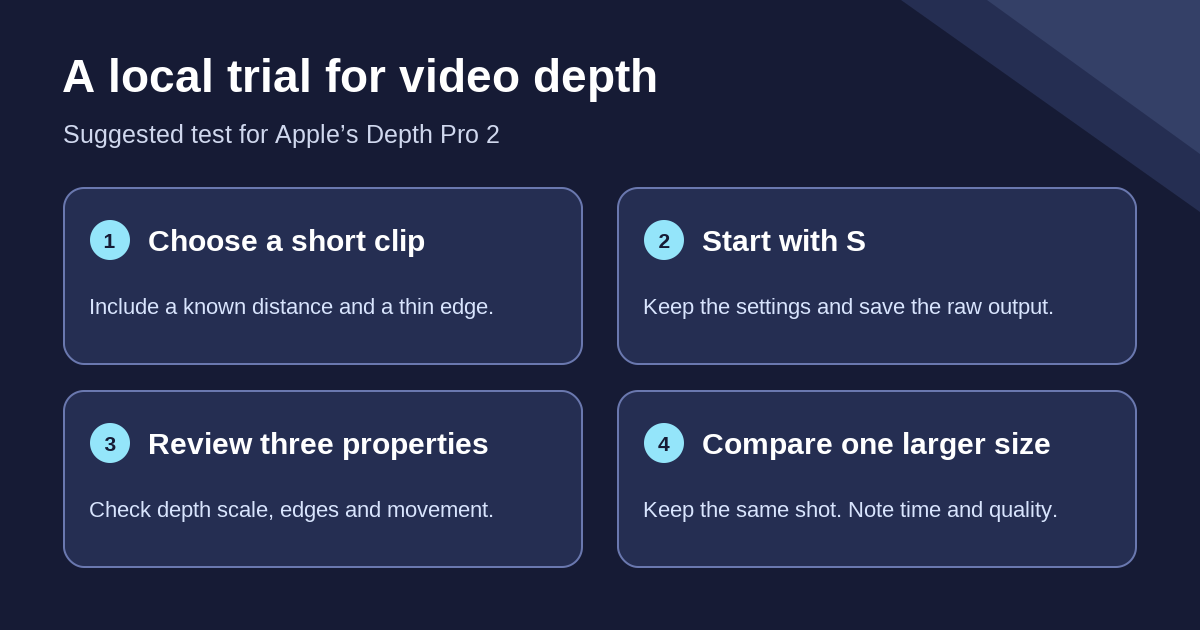
Artwork by Telli.sh. Keep the clip and settings fixed when you compare two model sizes.
A local trial that tells you more than a demo reel
Pick one short clip and write down what a successful output should do. For a room-layout experiment, place a flat card at a known forward depth and use a fixed camera. For a composite, put a narrow, visible object in front of a simpler background, such as a chair leg in front of a plain wall. Make a second clip with a slow camera move. Keep the zoom fixed for the first trial so you can work with a single focal length.
- Start with the example clip and S. From Apple's cloned inference repository, the documented command pattern works with the bundled example. The command below selects S and asks for per-frame arrays in addition to the color preview. Use your own short clip after the example produces readable output. Setup and CLI reference
uv run depth-pro-2 predict -i assets/example.mp4 -o out/ -m depthpro2-s --save-npz
- Read the right output for each job. The default color video shows where a depth transition lands. The NPZ files store the depth array in meters alongside the focal length used in pixels. Apple's 16-bit grayscale option is an inverse-depth export for tools that can read it as data. It uses the first-frame depth range for a video and can saturate when later objects come closer. Use the raw arrays if that behavior would distort the comparison. Apple's output guide
- Measure three kinds of error separately. Check a center point on your flat reference card against its known forward depth. Inspect the foreground outline at normal playback speed and frame by frame. With a fixed camera, compare predictions at a point that remains visible and stationary. With a moving camera, follow the same point on the object across frames, since the pixel coordinates themselves move.
- Change one thing per second run. Keep your clip and settings identical if you want to compare S with B or L. If you want to see whether buffering helps, keep the model and inputs fixed and compare file and unbuffered modes. Note the device, processing time and any visible loss of detail. Separate the startup frames from the rest when judging a live feed, because early frames have less context. Apple's streaming and resolution guidance
After that first comparison, try a reflective surface, a fast pan and a cut between unrelated shots. These are checks for your intended use case. With a hard cut, running the shots separately can give each its own temporal state and focal-length estimate. Keep a count of the frames that would still need hand correction, or record the range of errors against the references that matter for your use. That is more useful than declaring a clip accurate because its preview looks smooth. Streaming state guidance
Where it could help next
For noncommercial research, this release gives people a way to test depth-guided effects, small augmented-reality prototypes and video geometry on ordinary footage. Apple's paper demonstrates depth-guided blur and limited novel-view synthesis. For a practical composite, the immediate benefit may be less time fixing a flickering foreground edge. In a room demonstration, it may be the ability to test whether one camera is enough to place an object convincingly at a few known distances. These are plausible uses to evaluate, and their value depends on your own footage and errors. Research demonstration and paper applications
For commercial products, Apple's distribution terms are an independent constraint. The repository publishes separate licenses for the software and the weights. The weights' terms limit use to noncommercial scientific research and academic development. That leaves room to experiment in the licensed setting and see which questions still need calibration, different views or a dedicated sensor. A measurement tool used for consequential decisions needs evidence from its actual conditions and an appropriate reference. Apple's code license · Apple's model license
The useful question for Depth Pro 2 is which shots become easier when one camera can provide a steadier depth estimate. A short, repeatable trial with a known distance and a difficult foreground edge can tell you whether the gain is visible, how much processing it costs, and where you still need a better capture.
Try Telli.sh for free to keep your trial clips, setup notes and comparison findings together.